29
Quantum Owner's Manual
d. Year.
e. Month.
f. Day.
After the time and date are set, the hours:
minutes will start to flash indicating that
you can toggle between the 12-hour and
24-hour format. When set to the 24-hour
format, the AM or PM label will disappear.
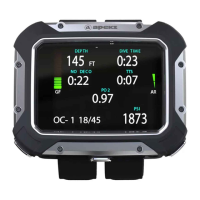
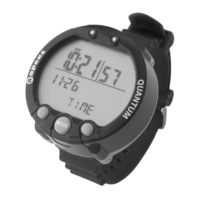
Figure 12.
Time Set Mode


 To Next Page