Chapter 3 Your No. 2 Pencil 107
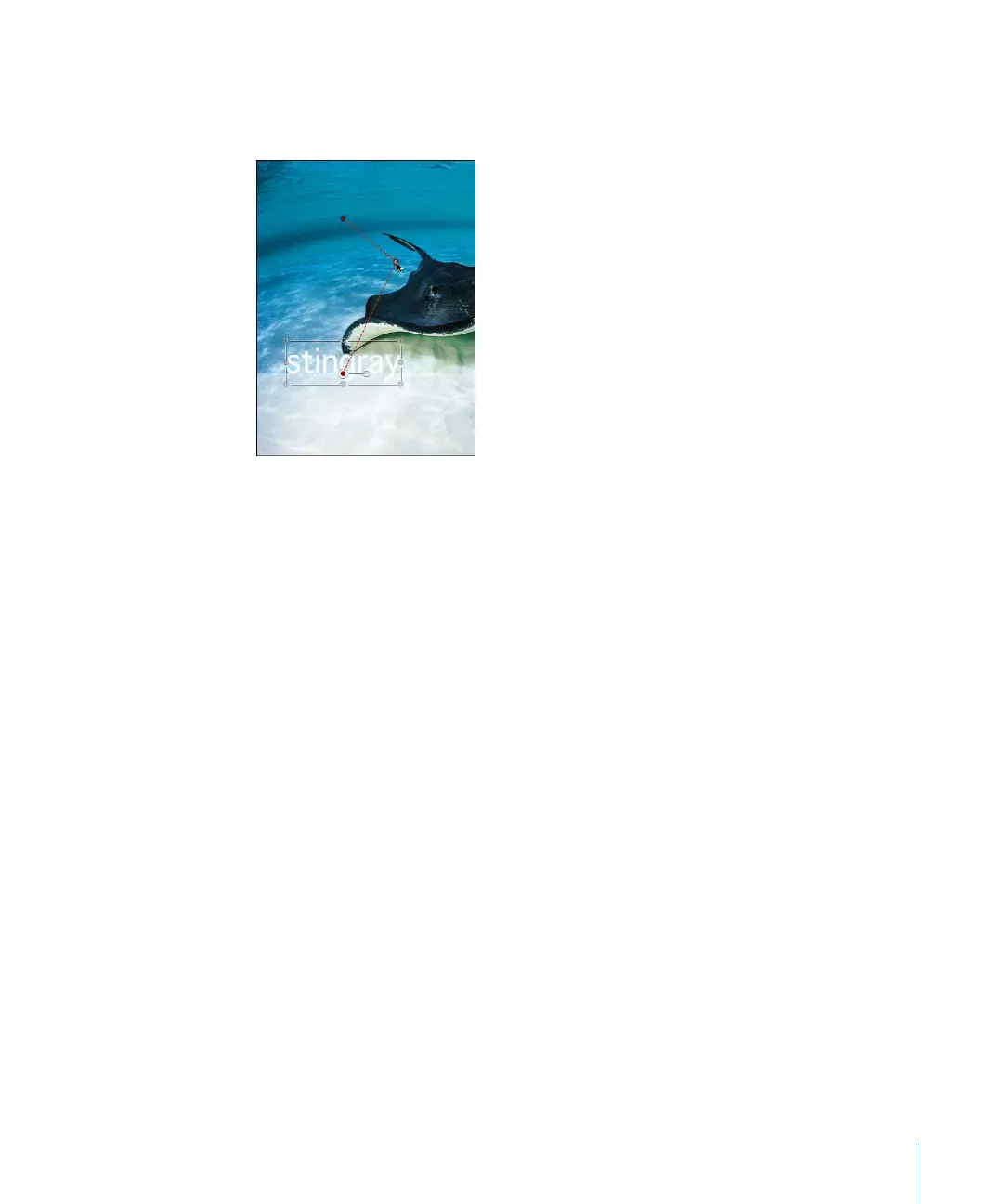
To reset the control points on an animation path:
m
Command-click the point. This creates a Linear point—continue dragging to create
new tangent handles.
To break tangent handles:
m
Press Command and drag the end of a handle.
To reset tangent handles:
m
Press Command and drag the end of a handle.
To delete a control point:
m
Select the point and press Delete, or Control-click the point, then choose Delete from
the shortcut menu.
2505.book Page 107 Wednesday, June 30, 2004 5:58 PM



 To Next Page