90 Chapter 2 The Playground
Where Parameter Behaviors Appear
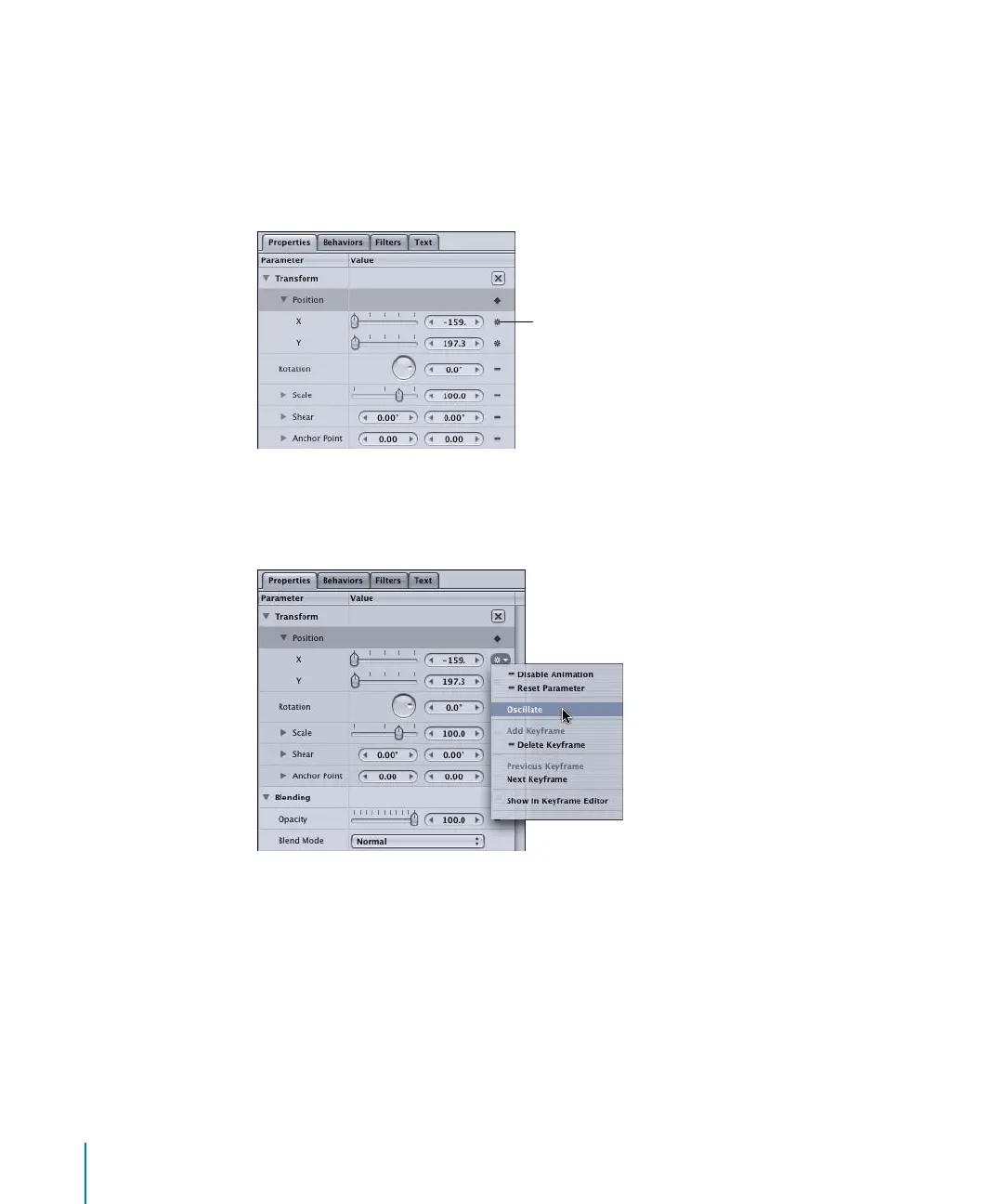
Once a Parameter behavior has been applied to an object, the small behavior icon
appears in the Animation menu to the right of the affected parameter in the Properties,
Behaviors, or Filters tab. This indicates at a glance that a behavior is influencing that
parameter. Like other behaviors, the Parameter behaviors also appear in the Layers tab
and the Timeline.
If you click the behavior icon, any applied Parameter behaviors appear in the pop-up
menu. To open the Behaviors tab, select the name of the Parameter behavior in the
Animation menu list.
Like other objects in Motion, Parameter behaviors can be disabled or removed.
To disable a Parameter behavior, do one of the following:
m
In the Behavior tab, turn off the Parameter behavior’s checkbox.
m
In the Layers tab or Timeline, turn off the behavior’s checkbox.
Behavior icon
2505.book Page 90 Wednesday, June 30, 2004 5:58 PM



 To Next Page