Chapter 2 The Playground 89
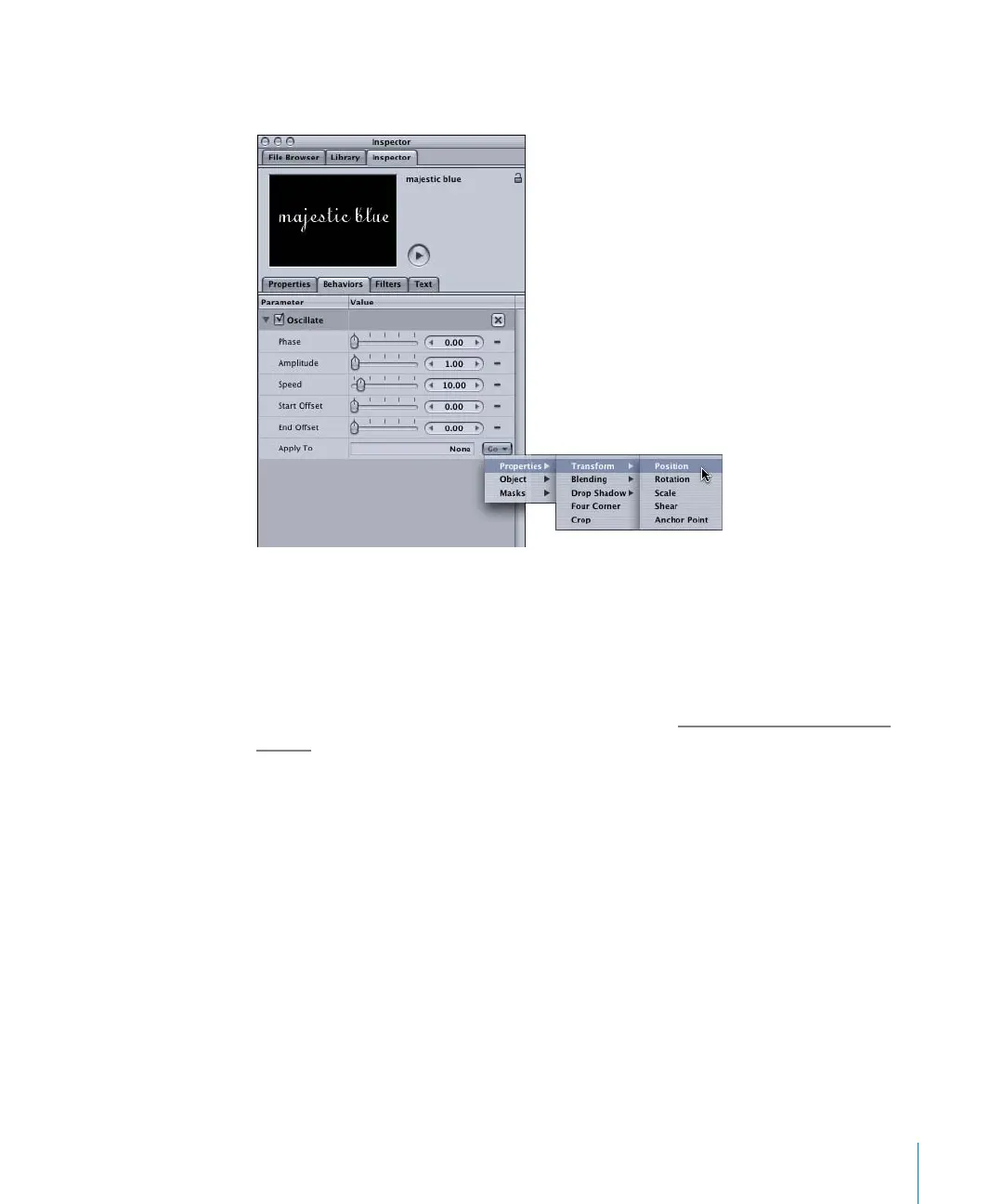
4 In the Apply To parameter (the last parameter in the list), choose the property to which
you want to apply the parameter from the Go pop-up menu.
Notice in the Go pop-up menu that the Parameter behavior can be applied to any text
parameter. The parameters that appear in the Go pop-up menu depend on the object
to which the Parameter behavior is applied. For example, when a Parameter behavior is
applied to a Gaussian Blur filter, only the Gaussian Blur parameters—Amount,
Horizontal, Vertical, and Crop—can be applied to the Parameter behavior.
For information on removing Parameter behaviors, see “W
here Parameter Behaviors
Appear” on page 90.
2505.book Page 89 Wednesday, June 30, 2004 5:58 PM



 To Next Page