88 Chapter 2 The Playground
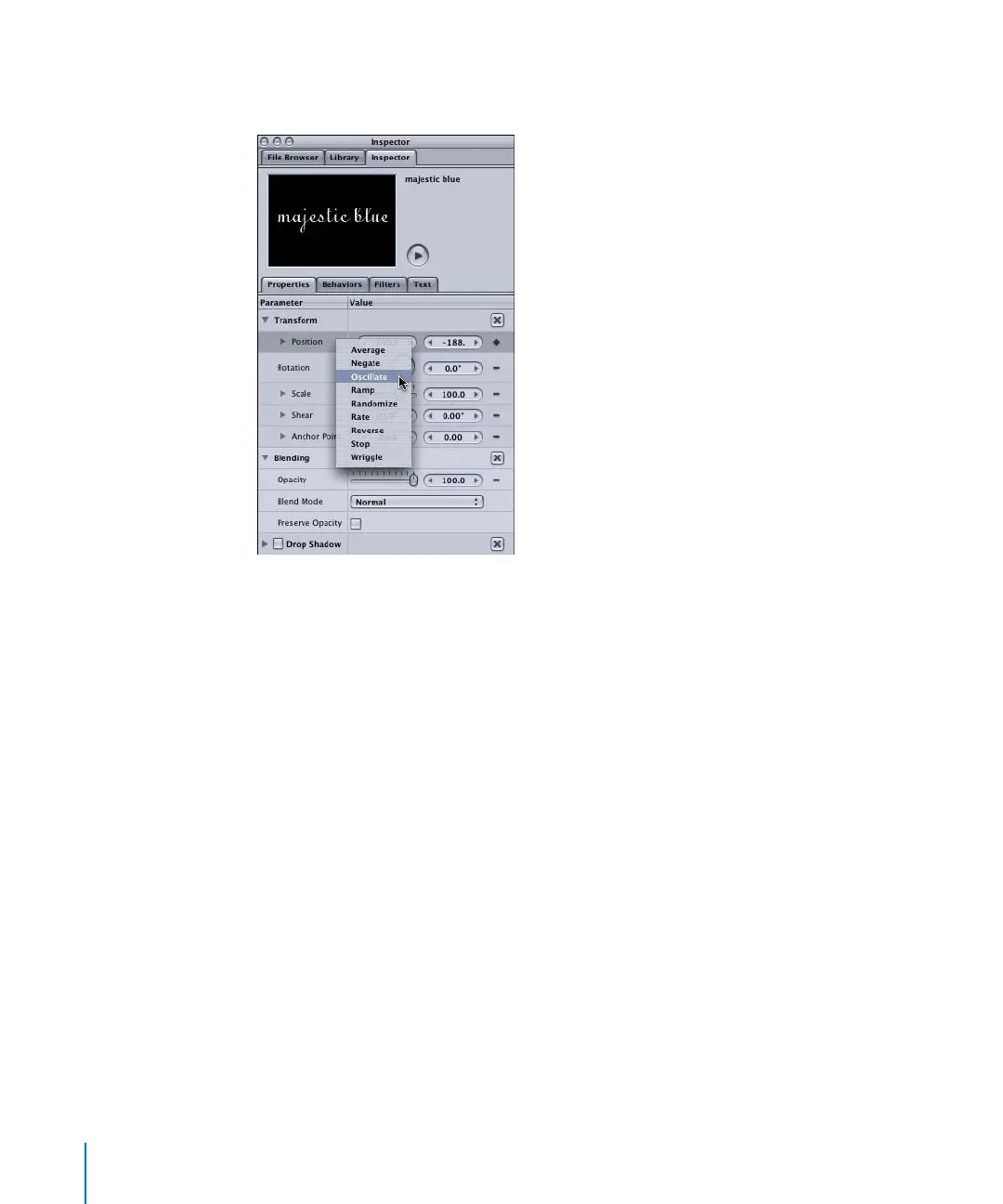
3 Control-click the parameter (such as Position), then choose a Parameter behavior (such
as Oscillate) from the Parameter behavior shortcut menu.
To apply a Parameter behavior to an object parameter using drag and drop:
1 In the Library, select the Parameter behavior you want to apply.
2 Drag the selected Parameter behavior to the object in the Canvas (or Layers tab).
3 In the Behaviors tab of the Inspector, expand the Parameter behavior.
2505.book Page 88 Wednesday, June 30, 2004 5:58 PM



 To Next Page