Chapter 4 Arts and Letters 129
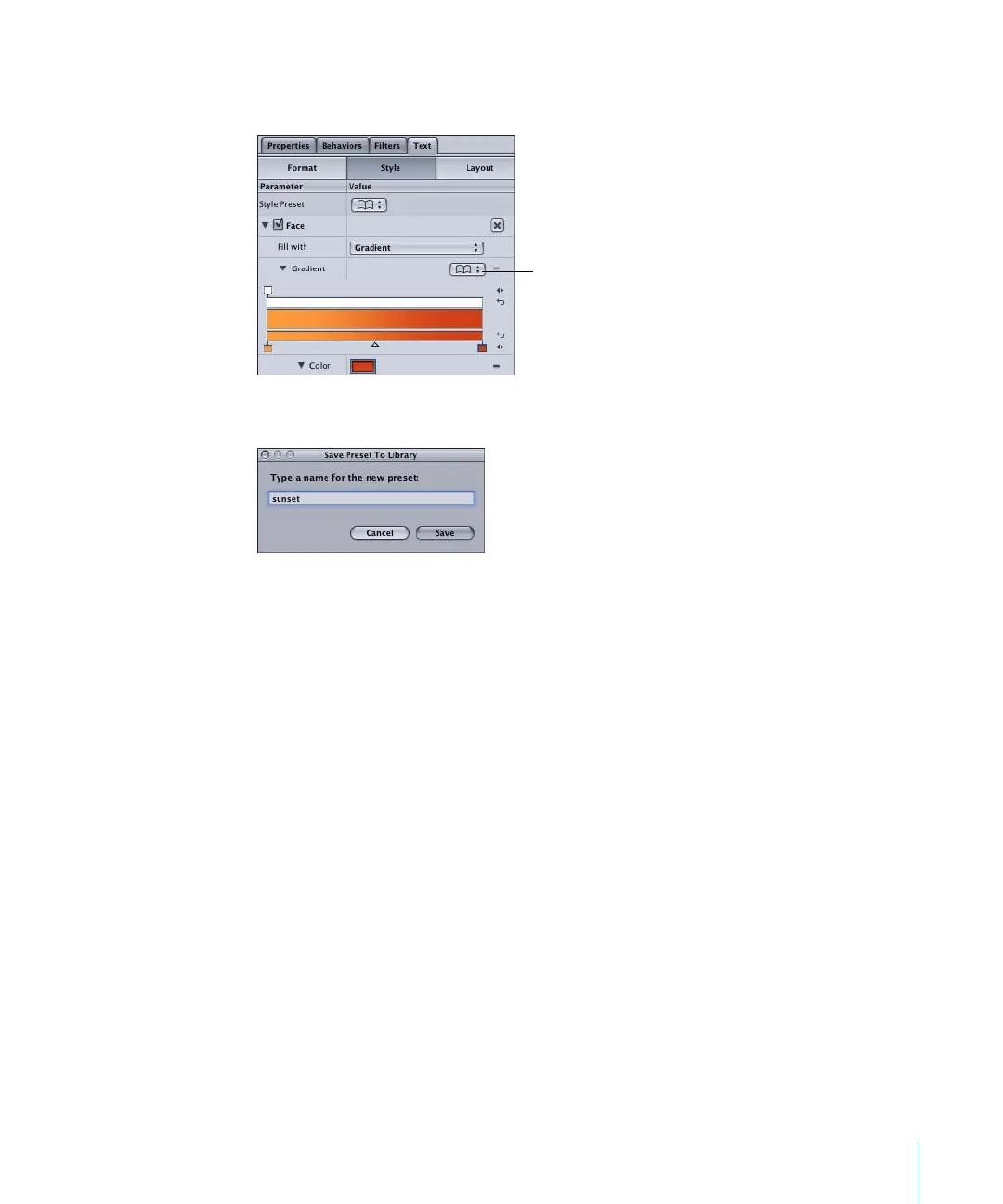
To save a custom gradient to the Library:
1 Click the Gradient Library pop-up menu, then choose Save Gradient.
2 In the Save Preset To Library dialog, type the preset name, then click Save.
The preset is added to the Gradients category in the Library. The next time you apply a
preset gradient from the Gradient Library, the new gradient appears in the preset list.
Applying Text Behaviors
Behaviors and filters are applied to text objects in the same manner as other objects in
Motion. This section provides a quick start to applying behaviors and filters to text
objects.
Gradient
Library pop-up
menu
2505.book Page 129 Wednesday, June 30, 2004 5:58 PM



 To Next Page