8 Chapter 1
Orientation
Getting Started
The first steps in any project are to determine your project settings and bring in your
media files (unless you are generating content solely from within Motion). A Motion
project is a file that contains information that references all media that you import into
a project, content created within the project itself (such as shapes, text, and particles),
and any filters, behaviors, or animation applied to those objects.
This section introduces the basic Motion workflow, including creating a new project
and importing some media files. Once a few elements are imported into the project,
the Motion interface is presented in an order relative to building a project.
Note:
If you have a three-button mouse connected to your computer, you can right-
click to access the same controls specified by the
Control
-click commands in the user
documentation. If you are working on a PowerBook G4, keep in mind that some
keyboard shortcuts require you to use the
Function
key (
fn
—next to the
Control
key)
in conjunction with the keys specified in the user documentation.
Creating a New Project
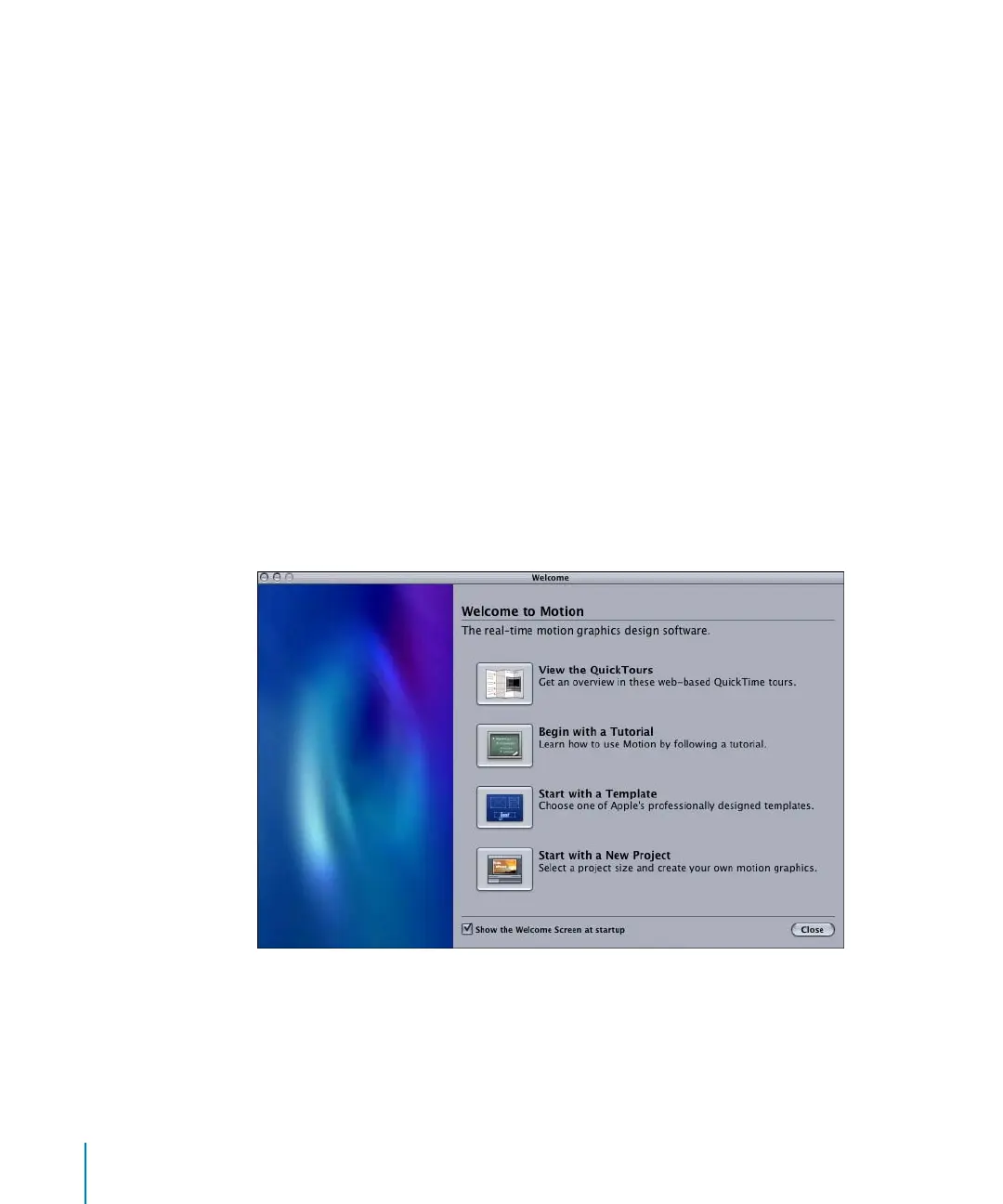
When you first start Motion, the Welcome Screen appears that contains new project
options. From this dialog, you can choose to start with a new project, a premade
template, an introductory tutorial, or link to the web-based QuickTime tours.
Note:
To skip the initial screen, turn off the “Show the Welcome Screen at startup”
checkbox in Motion Preferences. In the Startup section of General Preferences, you can
set Motion to automatically do one of the following at startup: Open Last Project(s),
Create New Project, Show the Welcome Screen, or Browse Templates.
2505.book Page 8 Wednesday, June 30, 2004 5:58 PM



 To Next Page