36 Chapter 1 Orientation
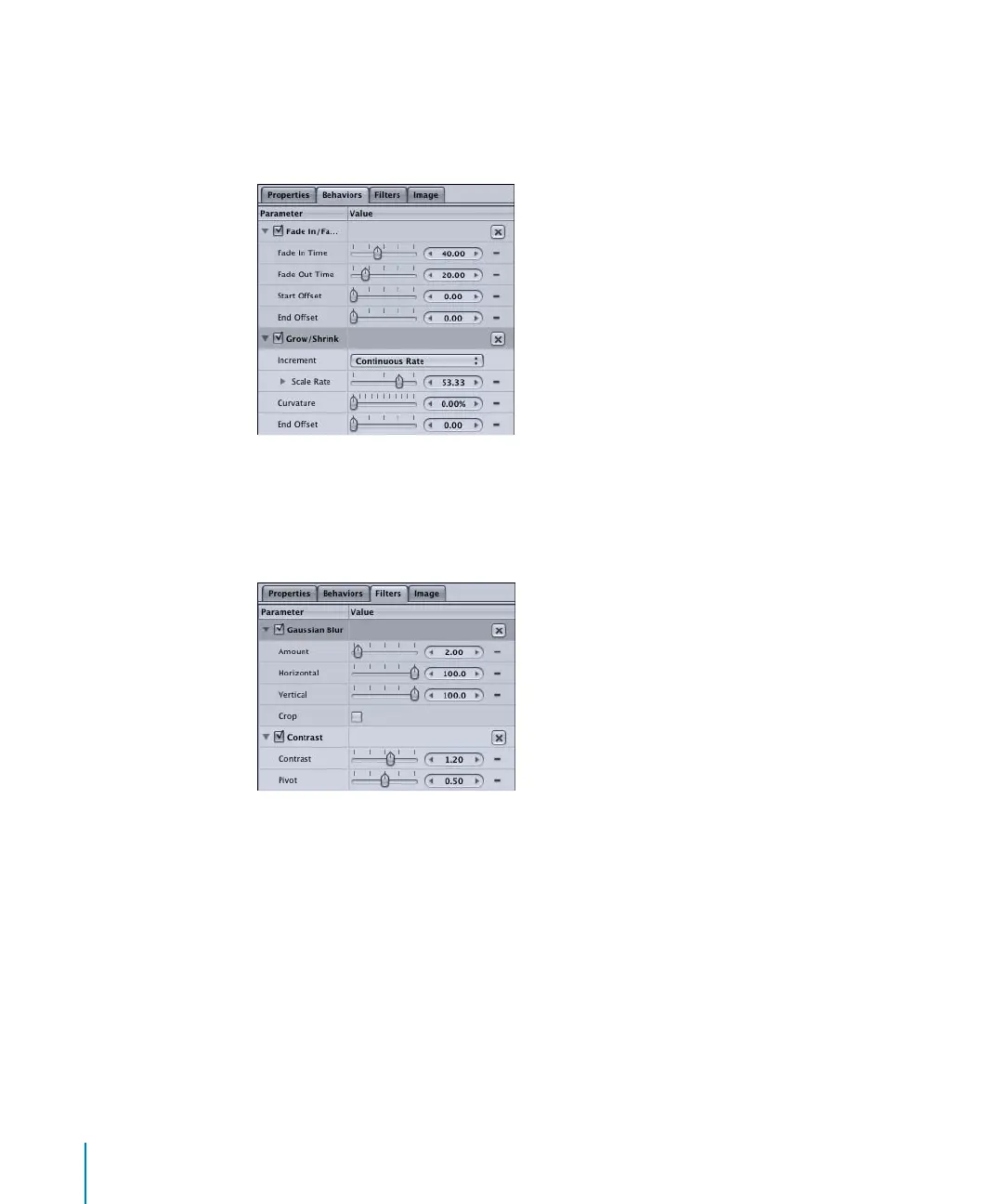
Behaviors Tab
The Behaviors tab contains all controls for any behaviors that are applied to the
currently selected object. If no behaviors are applied to the currently selected object,
the Behaviors tab is empty.
Filters Tab
The Filters tab contains all controls for any filters that are applied to the currently
selected object. If no filters are applied to the currently selected object, the Filters tab is
empty.
Object Tab
The fourth tab in the Inspector is the Object tab. The Object tab changes depending on
the type of object that is currently selected. In the above images, the Object tab is the
Image tab, because an image is the currently selected object. When a text object is
selected, the Object tab becomes the Text tab and contains text-specific parameters. In
the following image, a shape is the selected object, so the tab changes to the Shape tab.
2505.book Page 36 Wednesday, June 30, 2004 5:58 PM



 To Next Page