46 Chapter 1 Orientation
Adding Media to the Layers Tab
Any media you have dragged to the Canvas from the Library (or imported by choosing
File > Import) appears in the Layers tab. You can also drag media directly to the Layers
tab.
To add media directly to the Layers tab:
1 In the File Browser or Library, select the file you want to import.
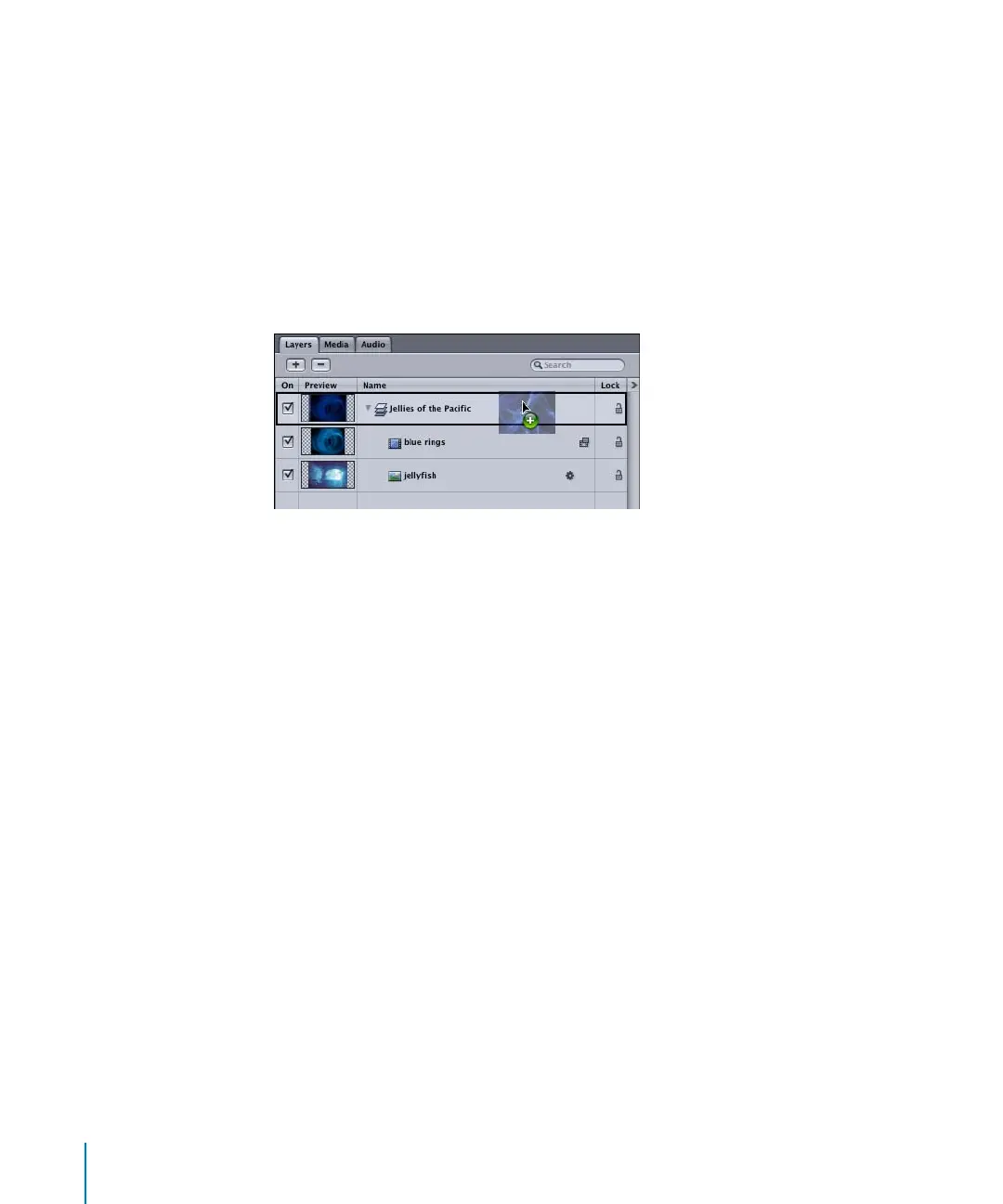
2 Drag the file to the Layers tab, and do one of the following:
• To add the file to an existing layer, position the file over the layer. When a black
outline appears around the layer in the list, release the mouse button.
The object is added as the topmost object in that layer.
2505.book Page 46 Wednesday, June 30, 2004 5:58 PM



 To Next Page