80 Chapter 2 The Playground
3 In the Orbit Around Dashboard (or Inspector), make sure Affect Objects is turned on.
When Affect Objects is turned on, all objects within the layer move around the target
object.
Other Simulation behaviors that also use a target object include Attracted To, Drift
Attractor To, Repel From, and Spring.
The Vortex Behavior
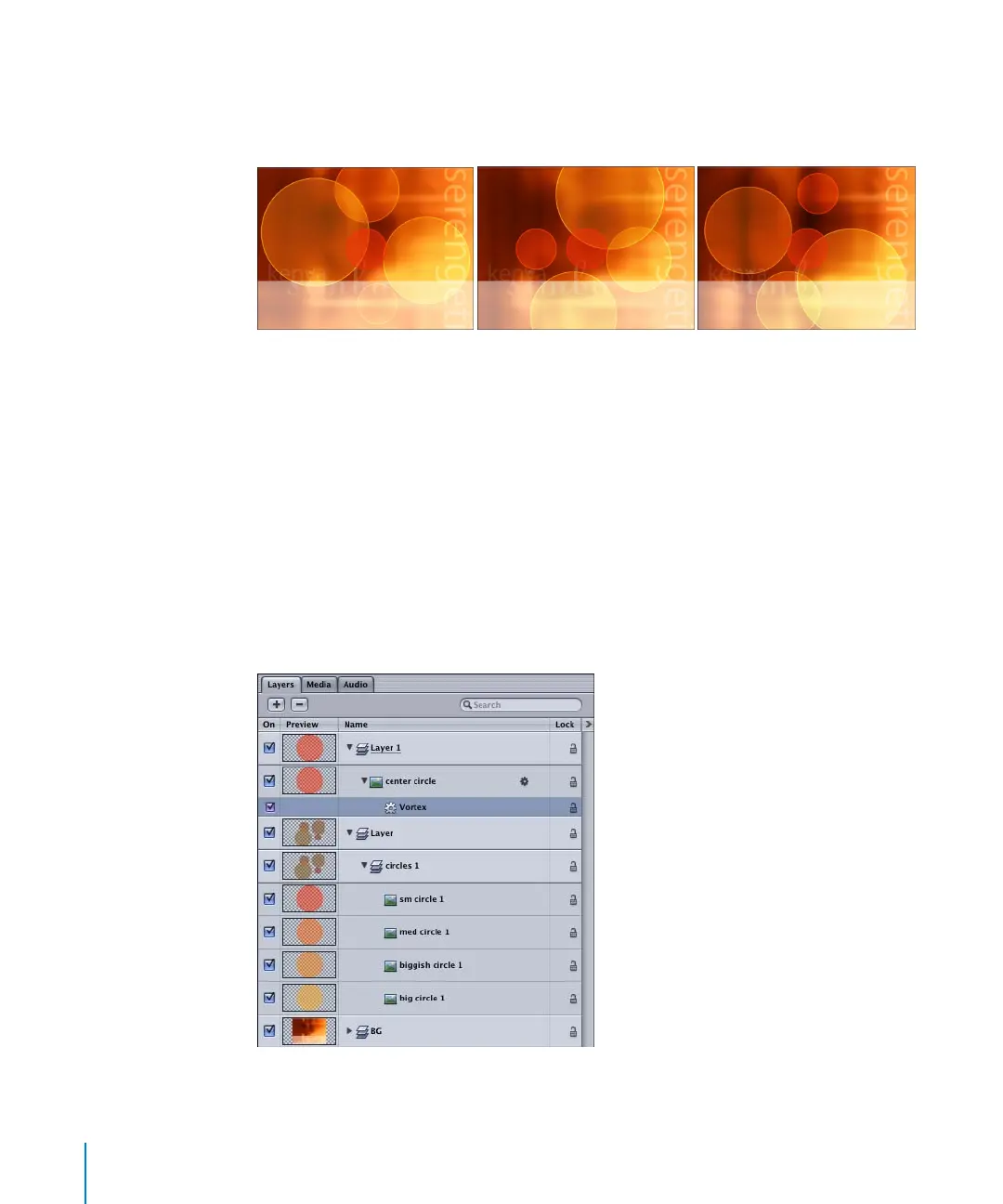
Animation is created using the Vortex behavior by exerting a force on all objects
surrounding the object to which the Vortex behavior is applied. You can specify
whether All Objects, Related Objects, or Specific Objects are affected by the Vortex. The
following example uses the same project as the above example.
To use the Vortex behavior:
m
Apply the Vortex behavior to the object that you want other objects to swirl around. In
this step, the Vortex is applied to the “center circle” object in the layer above the group
of circles.
2505.book Page 80 Wednesday, June 30, 2004 5:58 PM



 To Next Page