Chapter 1 Orientation 47
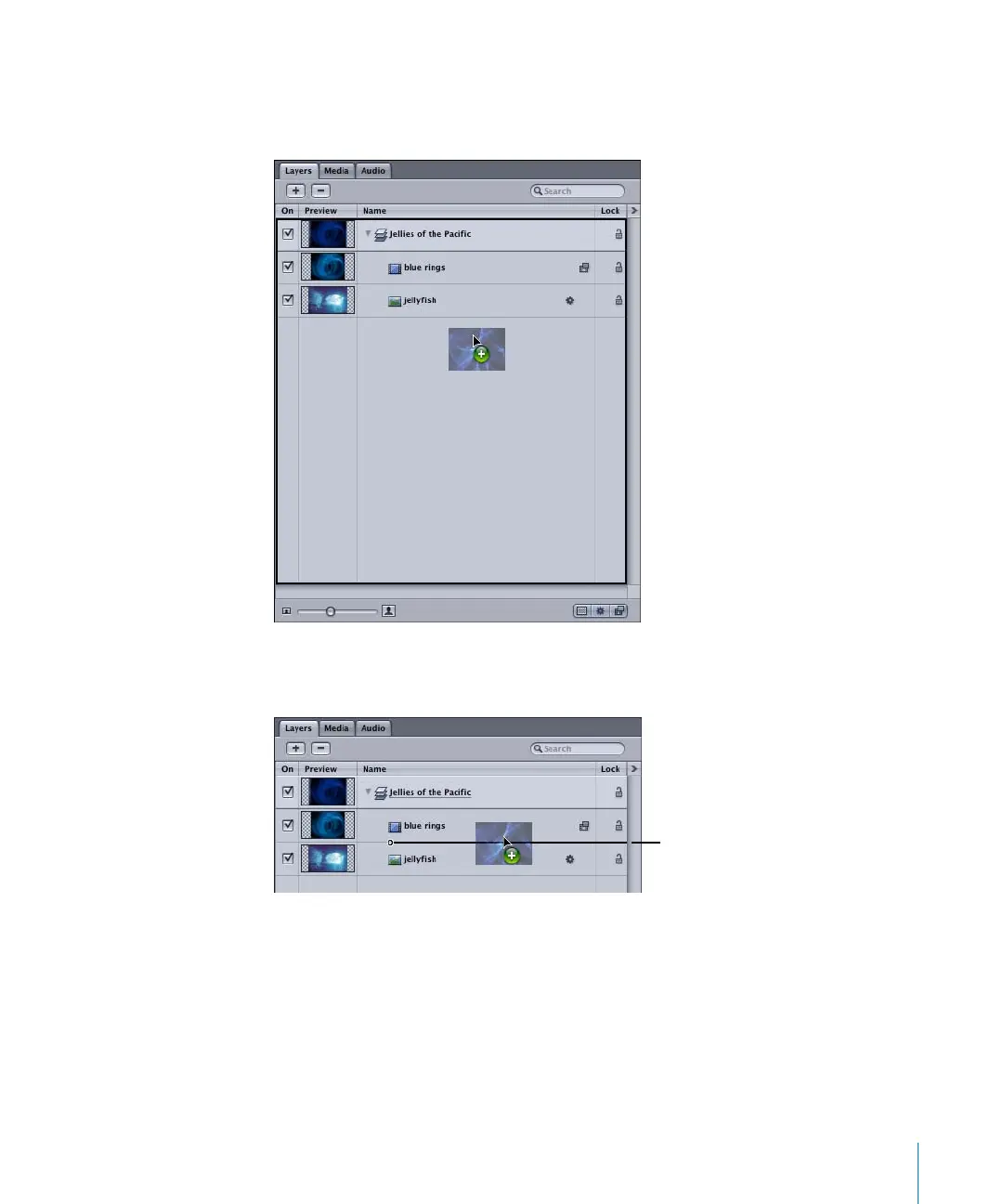
• To add the file to a new layer, position the file over the lower, empty portion of the
Layers list. When a black outline appears around the whole Layers list, release the
mouse button.
• To add the file in between the existing objects of a layer, position the file over the
two existing objects. When the position indicator appears, release the mouse button.
Position indicator
2505.book Page 47 Wednesday, June 30, 2004 5:58 PM



 To Next Page