Chapter 3 Your No. 2 Pencil 111
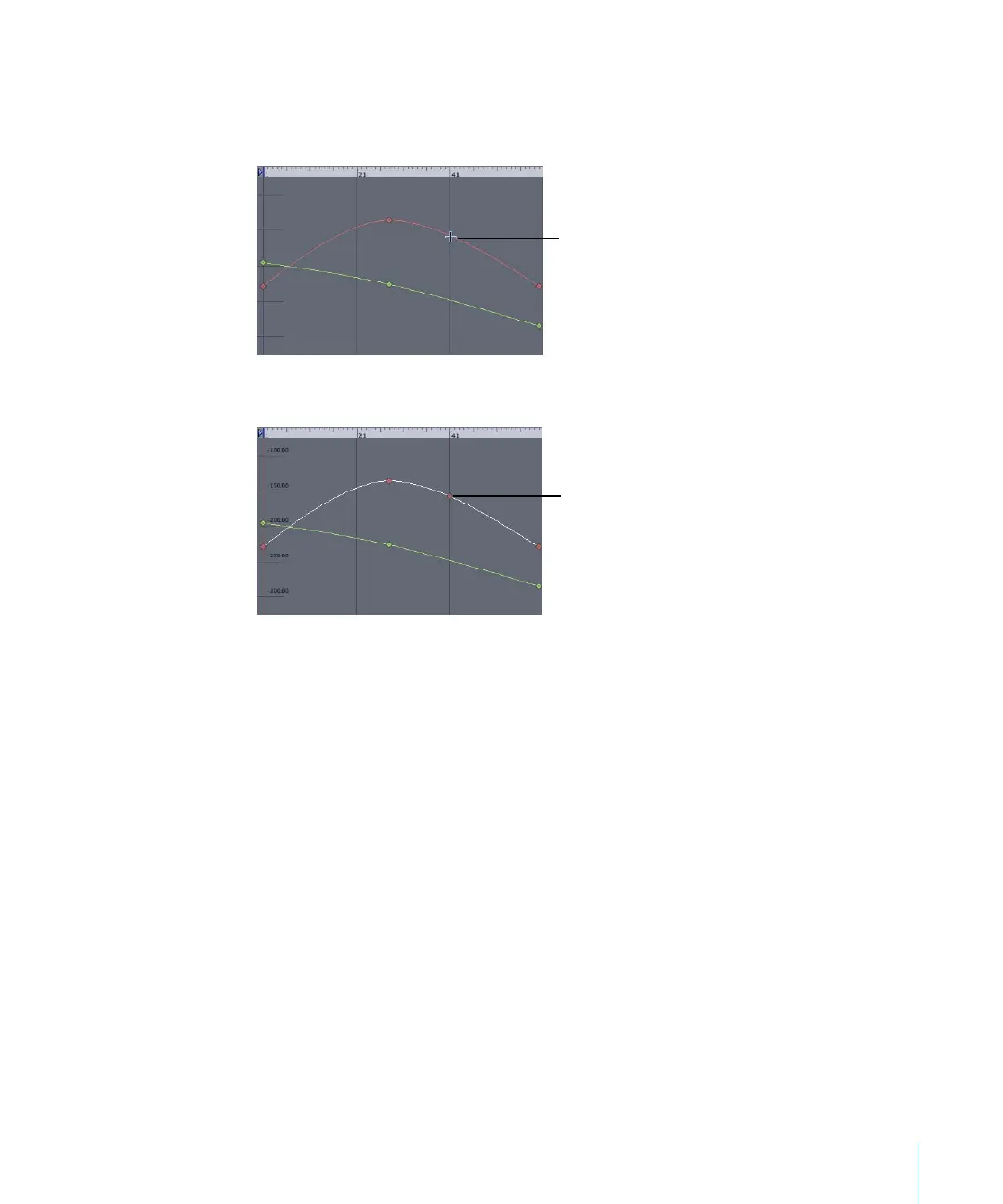
To add a keyframe:
1 Position the pointer over the animation curve you want to modify, then press Option.
2 When the pointer turns into a +, click the curve.
A keyframe is added to the curve.
3 Drag the keyframe to set a new value.
To delete a keyframe, do one of the following:
m
Select the keyframe on the curve, then press Delete.
m
Control-click the keyframe on the curve, then choose Delete from the shortcut menu.
m
With the parameter selected in the parameter list, click the Animation menu and use
the Previous or Next Keyframe option to navigate to a specific keyframe, then choose
Delete from the Animation menu.
Keyframe can be
added
Added keyframe
2505.book Page 111 Wednesday, June 30, 2004 5:58 PM



 To Next Page