Chapter 5 Extra Credit 153
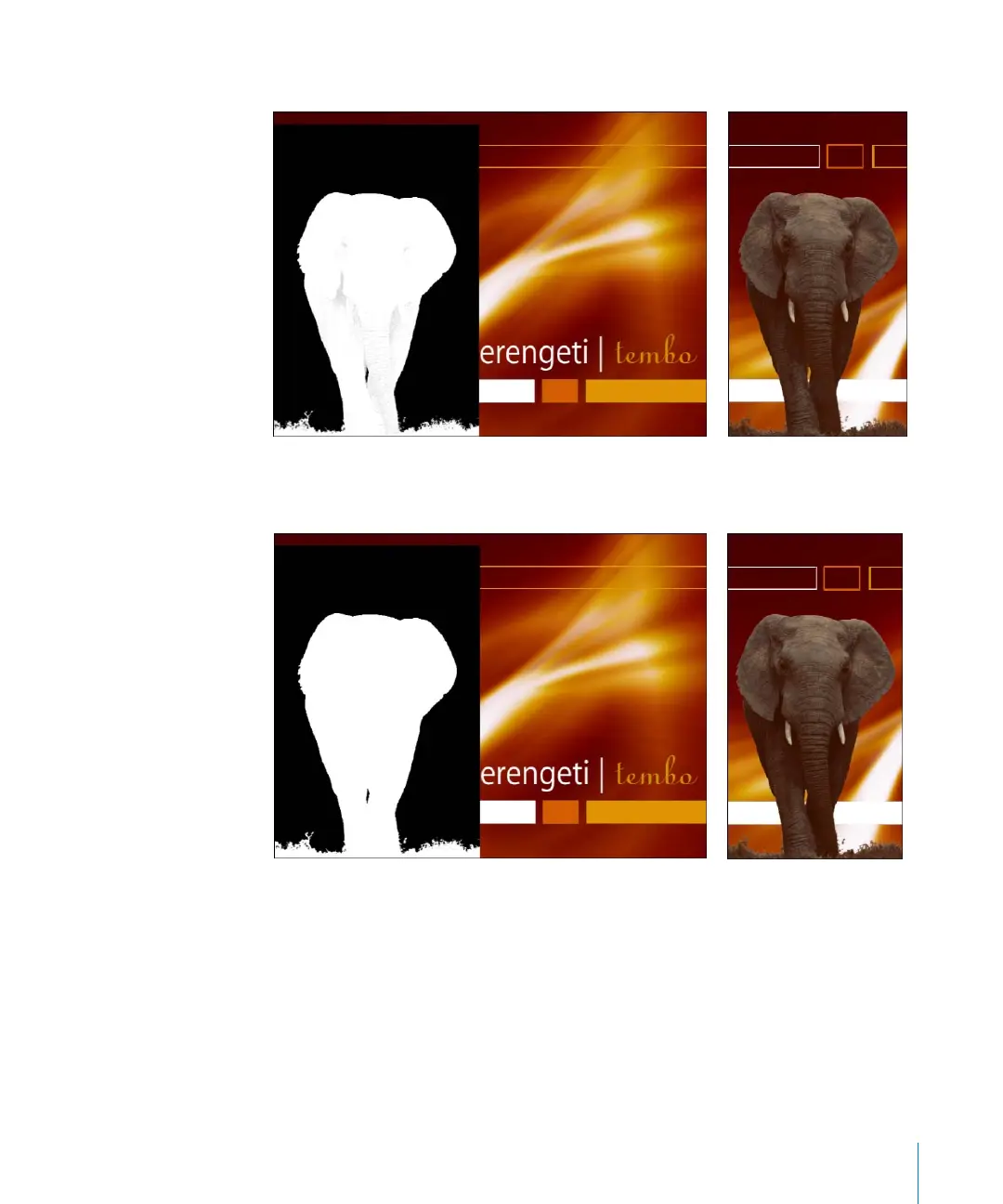
The matte is improved, but still has some problem areas.
b Drag the Matte Density slider slowly to the left until the areas that should be opaque
become solid white.
c Set the Output Type to Processed Foreground.
The composite is displayed. Often, the key is good, but the image color may be
affected. In this example, the elephant’s color is still too red. By default, Primatte RT
applies an estimated spill suppression value.
d Drag the Spill Suppression slider until the subject’s original color is returned.
2505.book Page 153 Wednesday, June 30, 2004 5:58 PM



 To Next Page