156 Chapter 5 Extra Credit
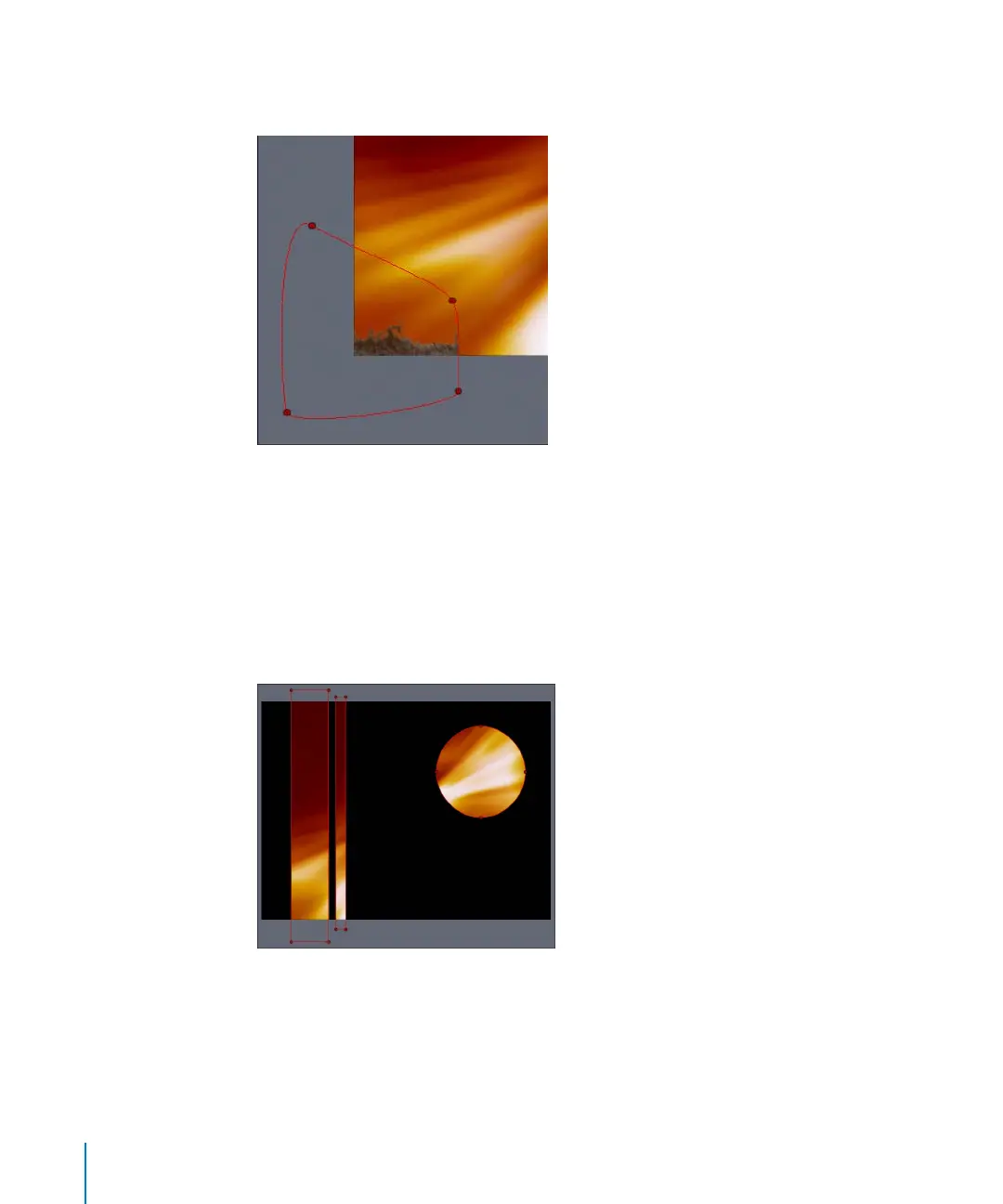
Because masks are set to Add mode by default, the image outside of the closed mask is
removed.
To remove the image inside the mask, you must set the mask to Subtract.
5 In the Mask Dashboard or Inspector tab, set the Mask Blend Mode to Subtract.
The image area inside the mask is removed.
Note: When a second mask is added, the blend mode of the second mask is also set to
Add by default. In the following image, the first mask is set to the default Add mode.
The following masks that are created are set to Add mode by default so that the mask
adds to the alpha channel created by the first mask.
2505.book Page 156 Wednesday, June 30, 2004 5:58 PM



 To Next Page