Chapter 5 Extra Credit 161
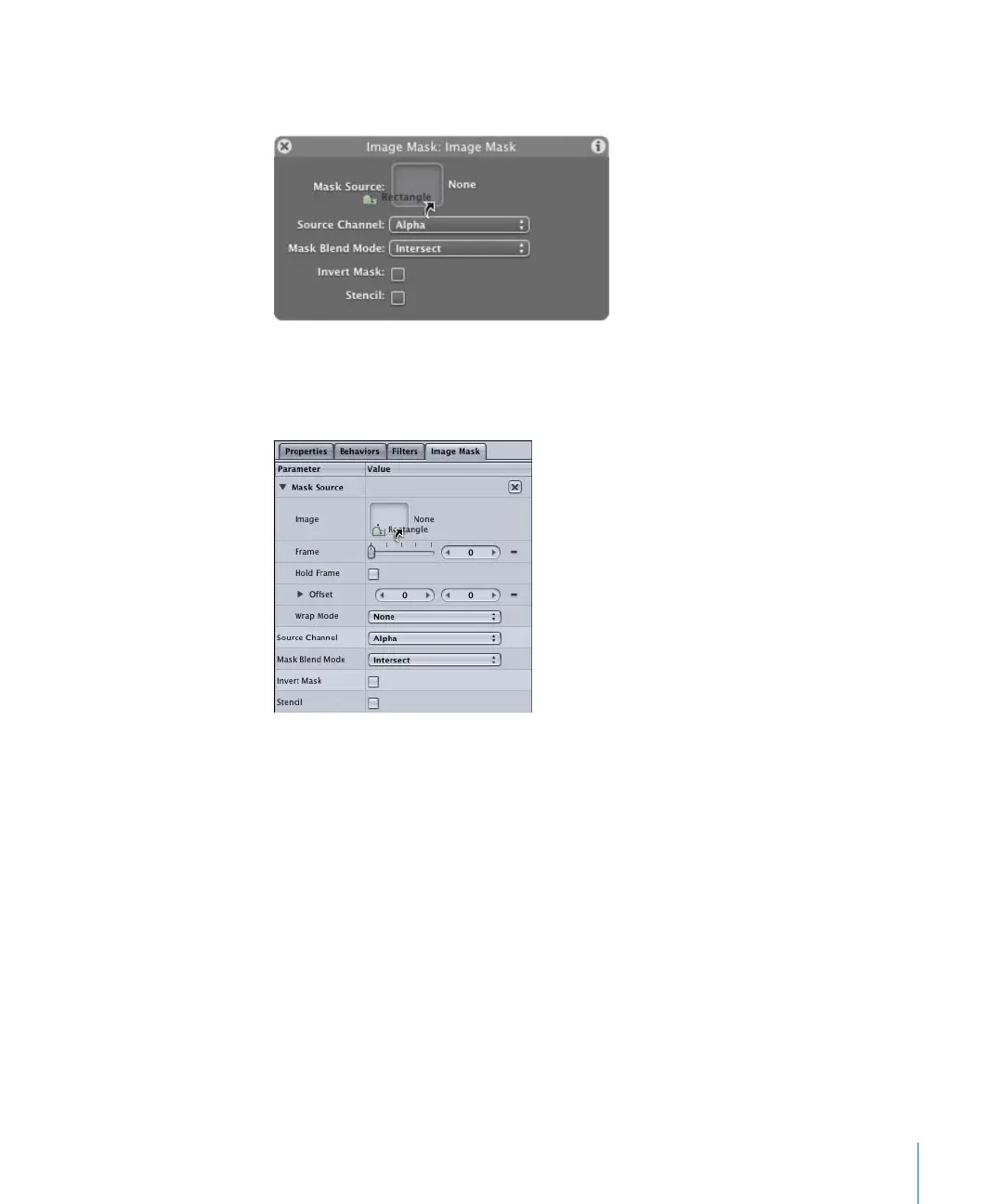
• In the Image Mask Dashboard, click-drag the shape that you want to use as a mask to
the Mask Source well (drag the name of the shape from the Layers tab).
• Display the Mask tab in the Inspector. Click-drag the shape that you want to use as a
mask to the Image well in the Mask Source parameters (drag the name of the shape
from the Layers tab).
2505.book Page 161 Wednesday, June 30, 2004 5:58 PM



 To Next Page