Chapter 1 Orientation 25
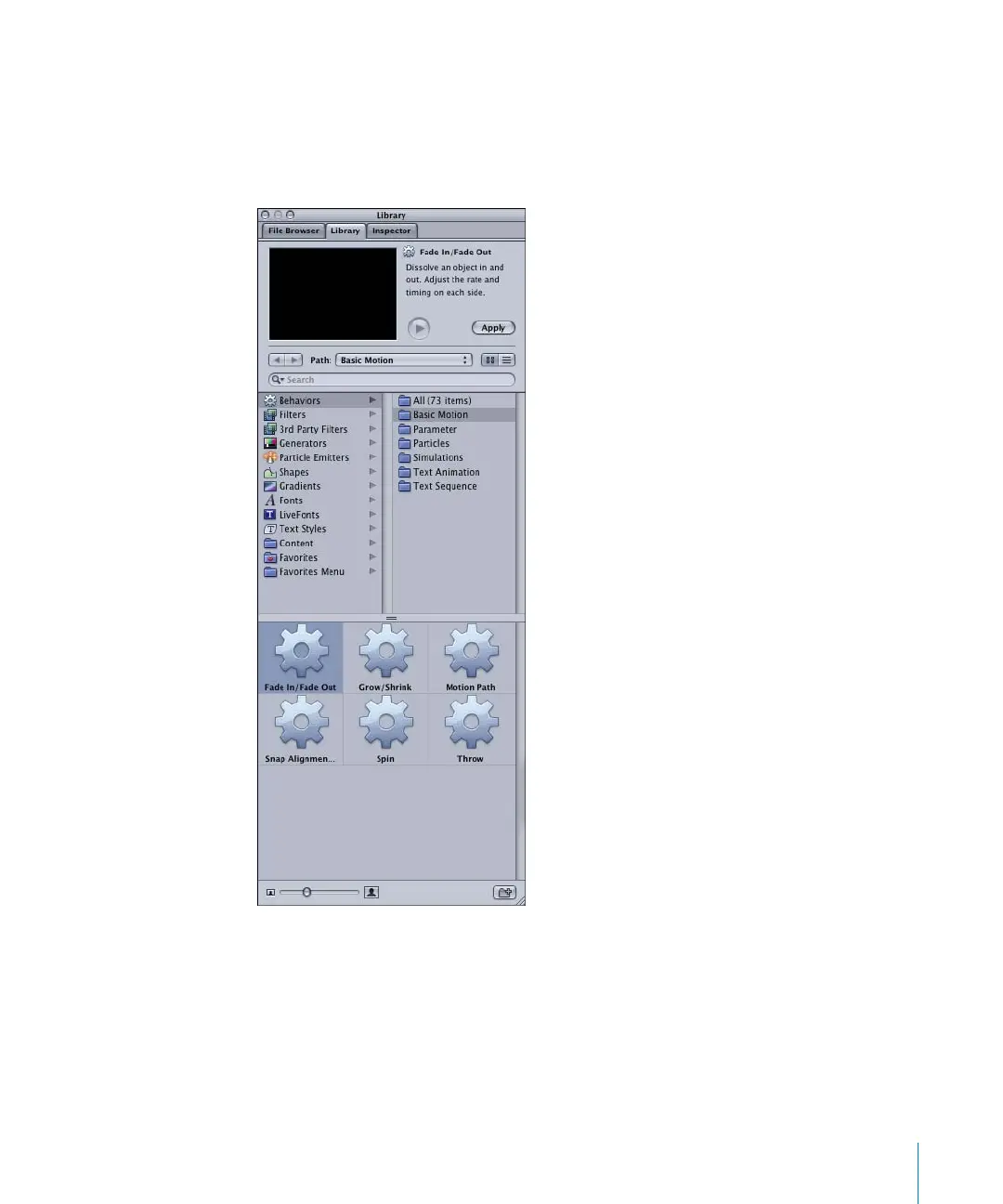
The Library categories are listed in the left column of the Library, and the subcategories
appear in the right column. For example, when the Behaviors category is selected, the
Behaviors subcategories (All, Basic Motion, Parameter, Particles, Simulations, Text
Animation, and Text Sequence) appear in the right column. The contents of the
subcategory appear in the lower pane of the Library, which is referred to as the stack.
2505.book Page 25 Wednesday, June 30, 2004 5:58 PM



 To Next Page