72 Chapter 2 The Playground
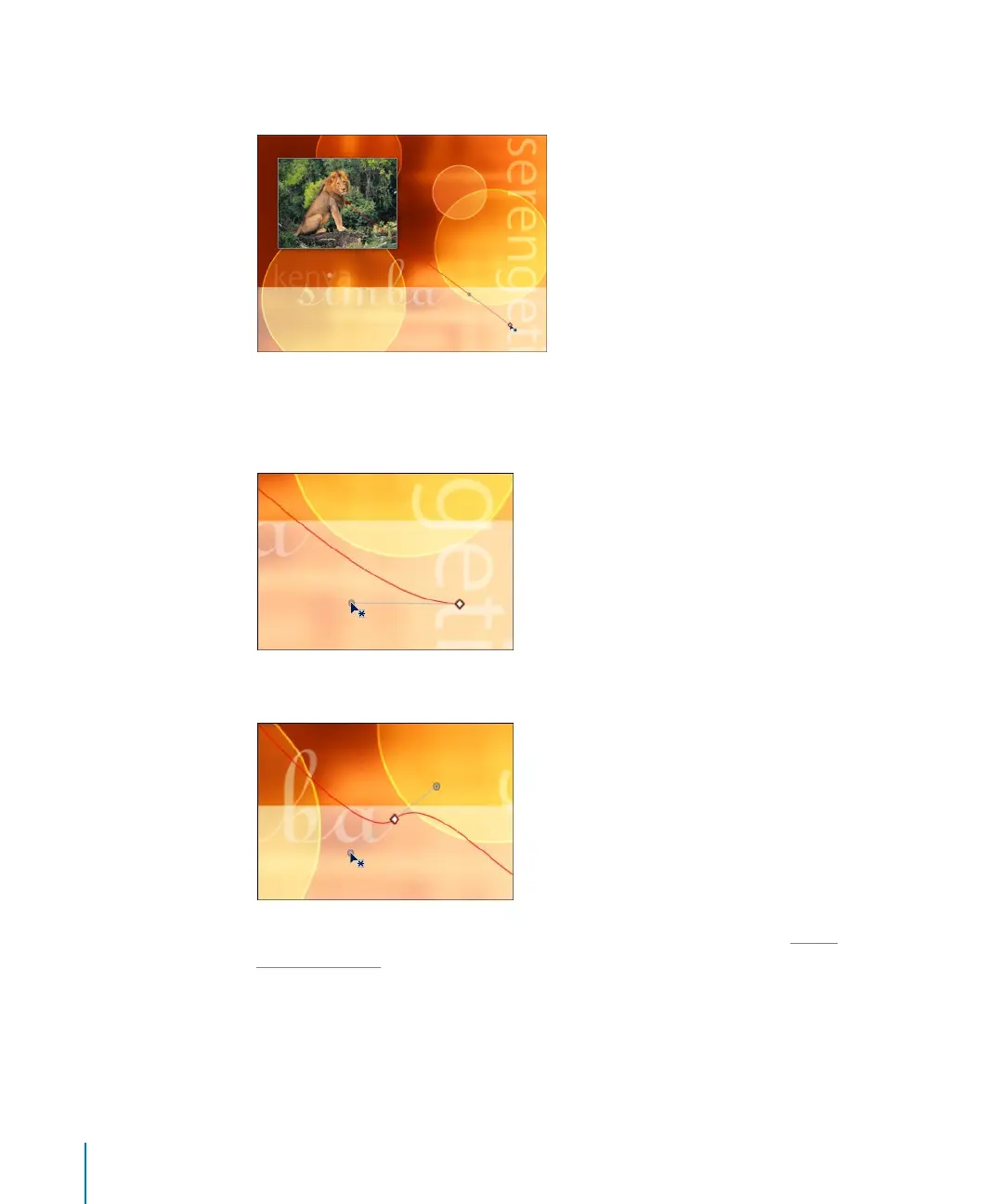
To change the shape of the path, do one of the following:
m
Click either point at the end of the path to change the path’s start and end location.
m
To create Bezier handles at the end points, Command-click and drag away from the
point. Flattening out the motion path at a control point slows the animation of the
object as it approaches the point. This is also known as ease.
m
To add points to the path, Option-click or double-click the path.
For more information on working with paths, points, and handles, see “U
sing
Animation Paths” on page 106.
In the Motion Path Dashboard or Inspector, you can quickly create an ease in or out
without having to manually adjust the shape of the path.
2505.book Page 72 Wednesday, June 30, 2004 5:58 PM



 To Next Page