Chapter 2 The Playground 83
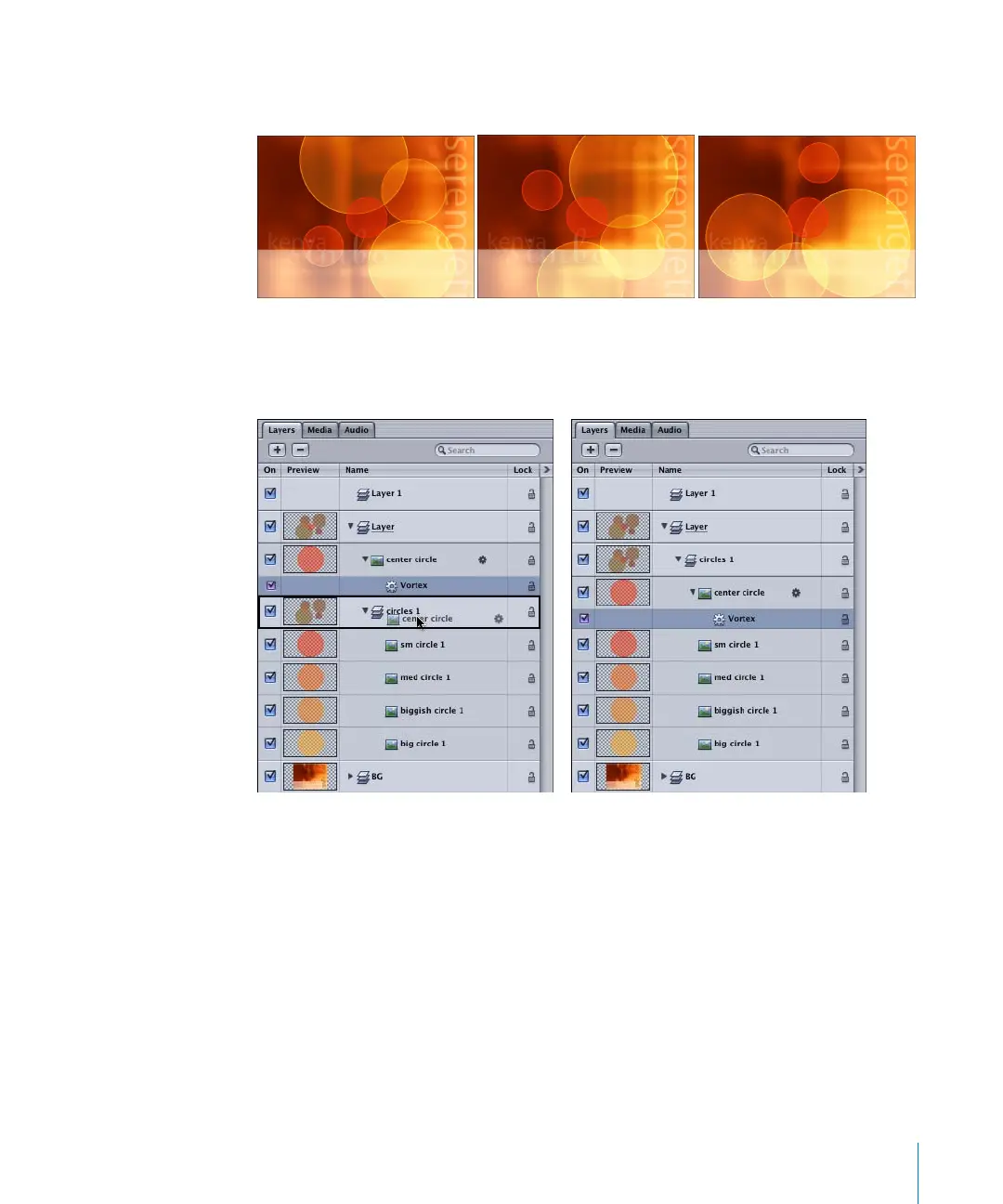
Any objects that are added to the Affected Objects list swirl around the object to which
the Vortex behavior is applied.
To set only the circles to swirl using Related Objects:
1 In the Layers tab, move the object with the applied Vortex behavior into the layer that
contains the objects you want to swirl around the object.
2 In the Dashboard or Inspector, set the Vortex Affect parameter to Related Objects.
Note: Other Simulation behaviors that also use the Affect parameter include Attractor,
Repel, and Drift Attractor.
2505.book Page 83 Wednesday, June 30, 2004 5:58 PM



 To Next Page