Chapter 2 The Playground 93
4 Go to the last frame of the filter animation, and set the last Brightness value. This
example uses a Brightness value of 56.
5 Play the project.
The image brightens over the duration of the animation.
6 Disable Record (press A).
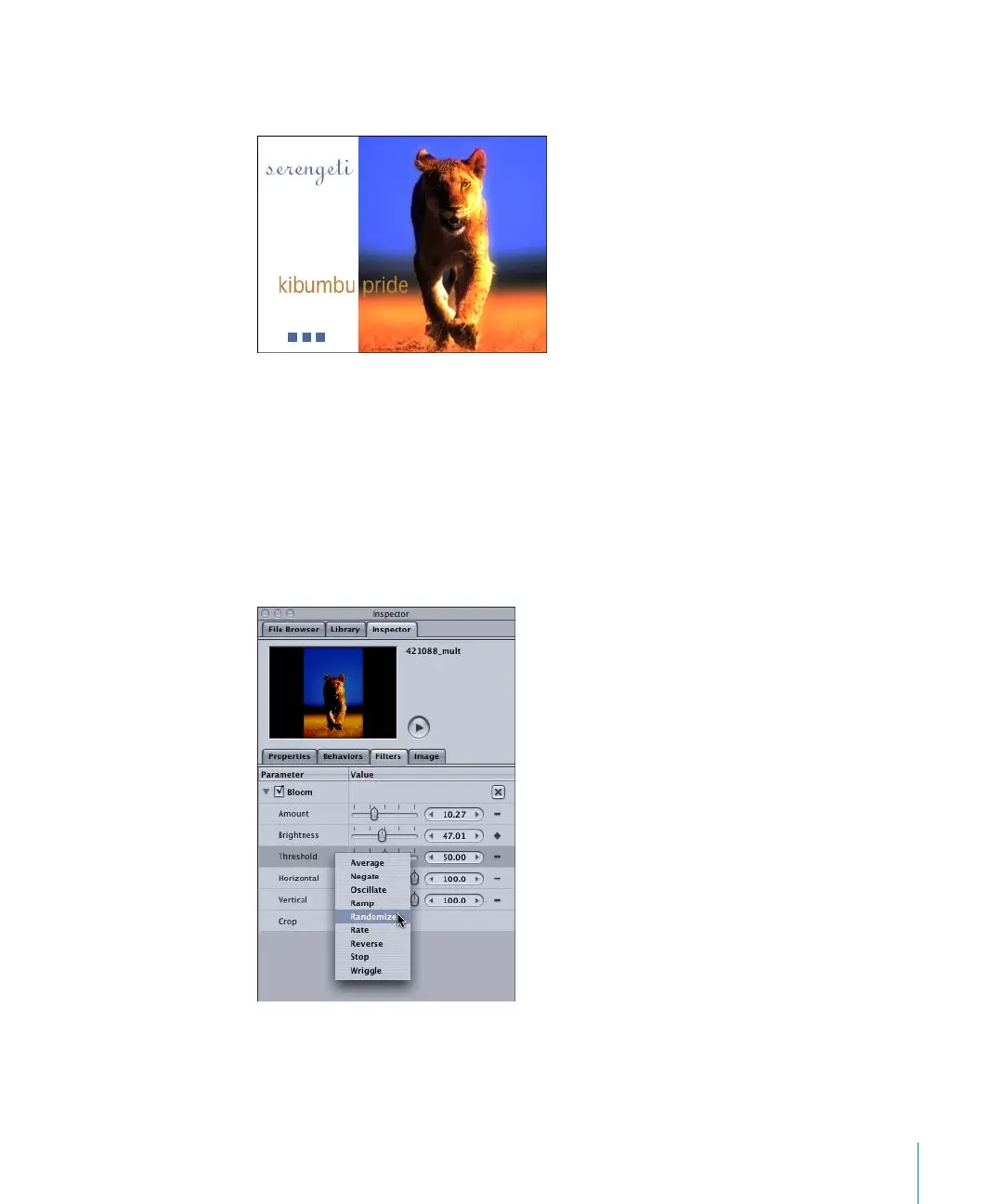
To apply a Parameter behavior to the Threshold parameter of the Bloom filter:
1 In the Filters tab of the Inspector, select the Threshold parameter of the Bloom filter.
2 Control-click the Threshold parameter, then choose Randomize from the Parameter
behavior shortcut menu.
A behavior icon appears on the Animation menu of the Threshold parameter.
2505.book Page 93 Wednesday, June 30, 2004 5:58 PM



 To Next Page