CHAPTER 4
OPERATING INSTRUCTIONS
Entire Contents Copyright 2004 by Adaptive Power Systems, Inc. (APSI) • All Rights Reserved • No reproduction without written authorization from APSI.
APS-3000P Series 4 - 2 OM-001-03000-00P-03.9
Basic Operation
System Information
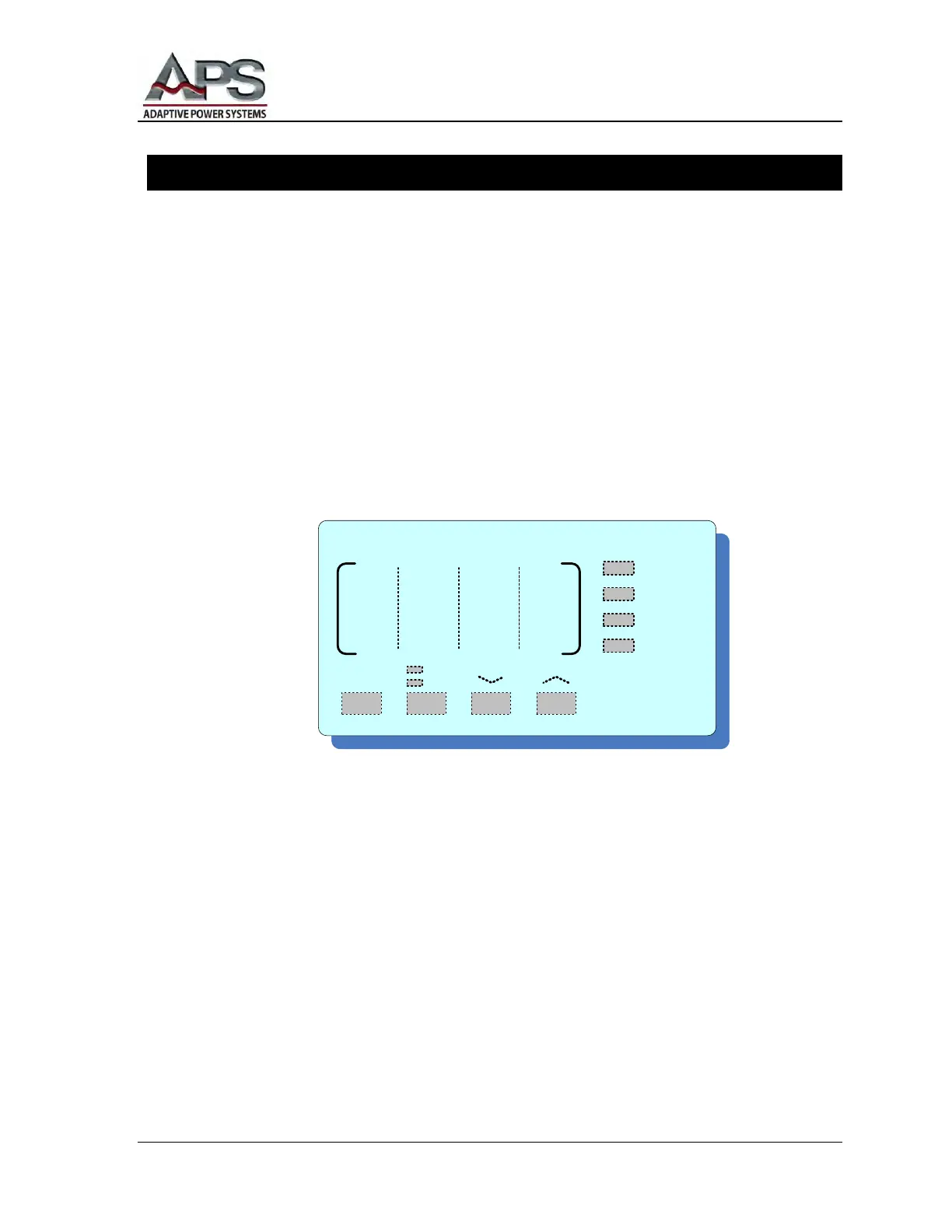
When the power is turned ON, the front panel will momentarily display:
The model number, in the VOLTAGE display
The installed firmware version number, in the CURRENT display
Voltage Setting
When the system is in RESET (Standby) or TEST (Output ON) mode, press the
VOLTAGE ︿ or ﹀ buttons to adjust the voltage value. There are two ranges: high
and low. The high voltage range is 0 – 300V and the low range is 0 – 150V.
Pressing the ︿ or ﹀ voltage adjust buttons causes the value to increase/decrease one
step every 0.3 seconds. Holding a button in causes the rate of change to accelerate.
After a voltage adjustment has been completed, and the voltage selection remains
unchanged for 2 seconds, the voltage display will flash once. The unit will memorize
the current voltage setting. The system then exits the voltage-setting mode.
NOTE: If you have a series of tests, and any of those tests requires a voltage in
excess of 150V, you must start your test sequence in the high voltage mode. The
unit does not automatically switch from the 150V to the 300V range. Although
the unit's rated maximum power is available in either voltage range, the
maximum current in the 300V range is one-half that in the 150V range.
V O L T A G E
PHASE
R
S
T
S
0-150
0-300



 To Next Page