6 Local Control Panel
(continued)
6-14 C232-302-401/402/403/404-603 / C232/EN M/A23
Control Step / Description Control
Action
Display
5 If a control action does not take place within
a set time period after selection of a switchgear
unit or if the return time for illumination has
elapsed, then the selection is canceled.
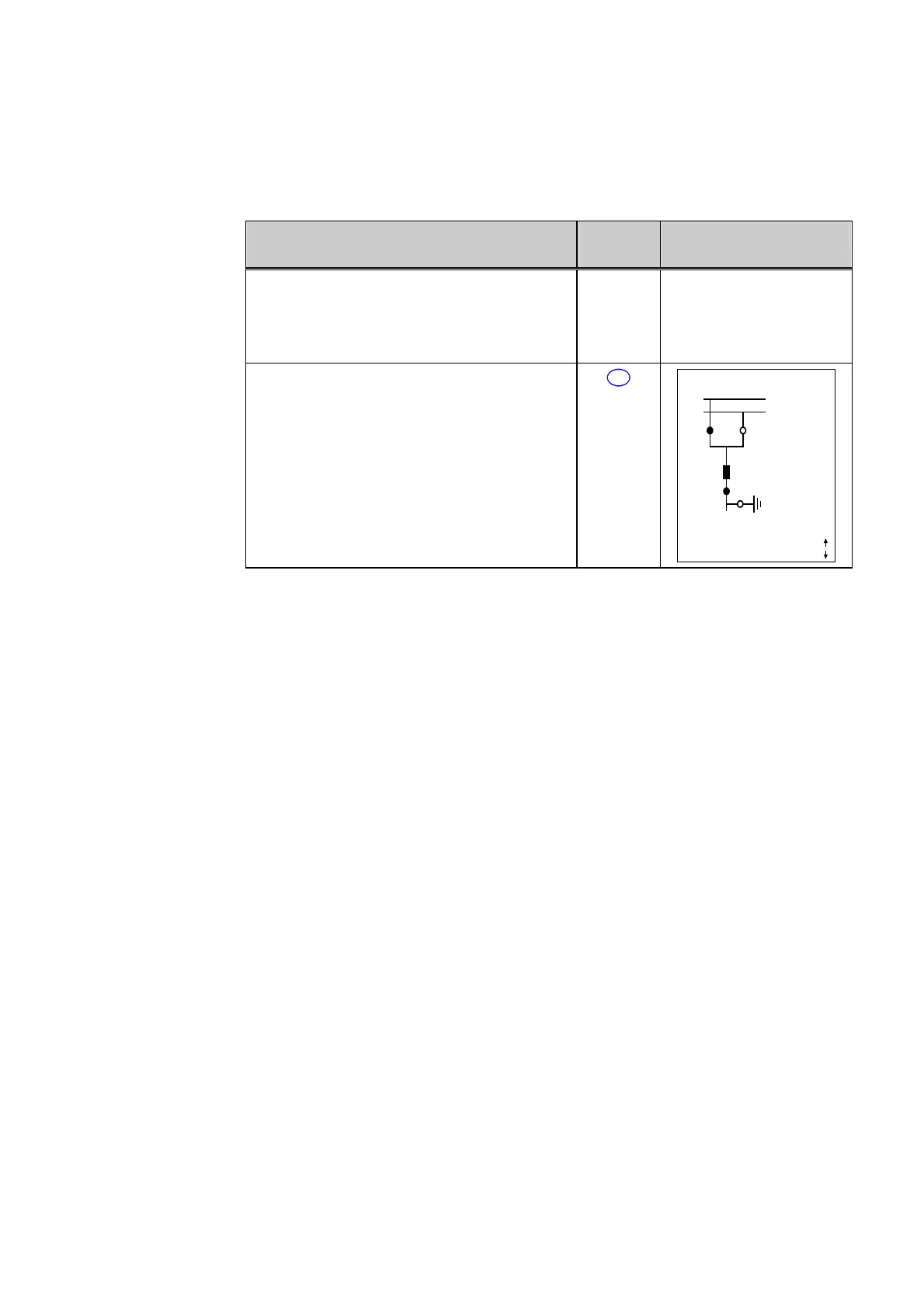
6 Press the local/remote key (L/R) to switch to
remote control; this is accomplished without a
password prompt.
L/R
X YYY 10:33:38
SS1
SS2
Q1 Q2
Q0
Q8
Locked
Remote
Q9
1088 A
Curr. IP,max prim.



 To Next Page