6 Local Control Panel
(continued)
C232-302-401/402/403/404-603 / C232/EN M/A23 6-17
6.5 Control at the Menu Tree Level
6.5.1 Navigation in the Menu Tree
Folders and function
groups
All data points are grouped in function groups according to the function they are
associated with and are also organized in different folders based on practical control
requirements.
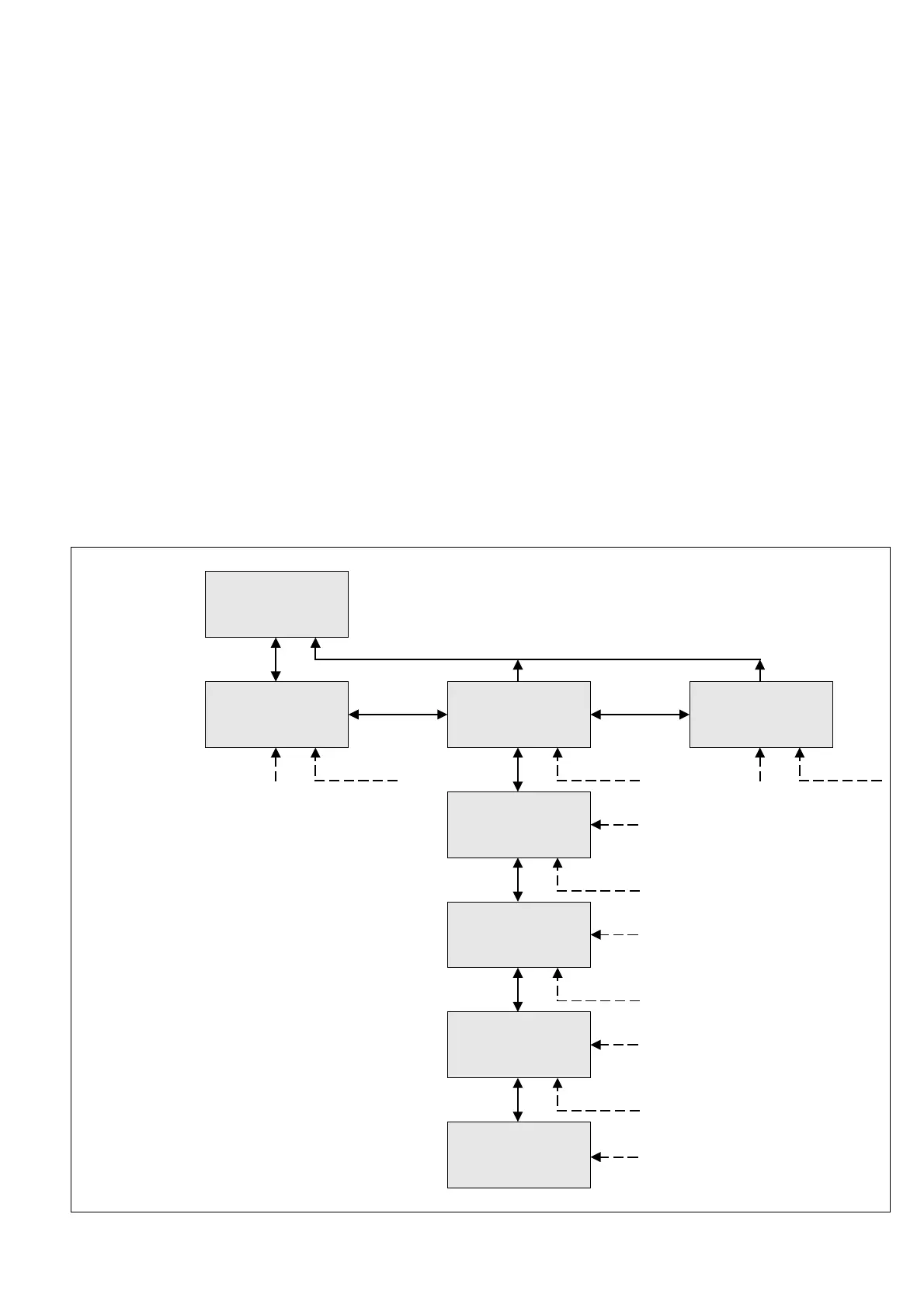
The menu tree begins with the device type at the top and then branches out below into
the three main folders entitled Parameters, Operation, and Events, which form the first
folder level. Below the first folder level are two more folder levels, so that the entire
folder structure consists of three main branches and a maximum of three folder levels.
At the bottom of each branch of folders, below the folder levels, are the various function
groups in which the individual data points are combined.
PX yyy
PX yyy
Parameters
PX yyy
Operation
PX yyy
Events
Oper/
Cyclic measurements
Oper/Cycl/
Meas. operating data
Oper/Cycl/Data/
MAIN
Folder
plane 1
Folder
plane 2
Folder
plane 3
Function
groups
Data
points
Oper/Cycl/Data/MAIN
Date
01.01.99 dd.mm.yy
Unit
type
6-4 Basic menu tree structure



 To Next Page