6 Local Control Panel
(continued)
C232-302-401/402/403/404-603 / C232/EN M/A23 6-23
6.5.5 Setting a List Parameter
Using list parameters, the user is able to select several elements from a list in order to
perform tasks such as defining a trip command or defining the measured values that will
be displayed on Measured Value Panels. The maximum possible number ’m’ that can
be selected out of the total number ’n’ of the set is given in the address list in the
’Remarks’ column. As a rule, the selected elements are linked by an ‘OR’ operator.
Other operators (NOT, OR, AND, NOT OR and NOT AND) are available in the LOGIC
function group for linking the selected list items. In this way binary signals and binary
input signals can be processed in a Boolean equation tailored to meet user
requirements. For the DNP 3.0 communication protocol, the user defines the class of a
parameter instead of assigning operators. The definition of a trip command shall be
used here as an example to illustrate the setting of a list parameter.
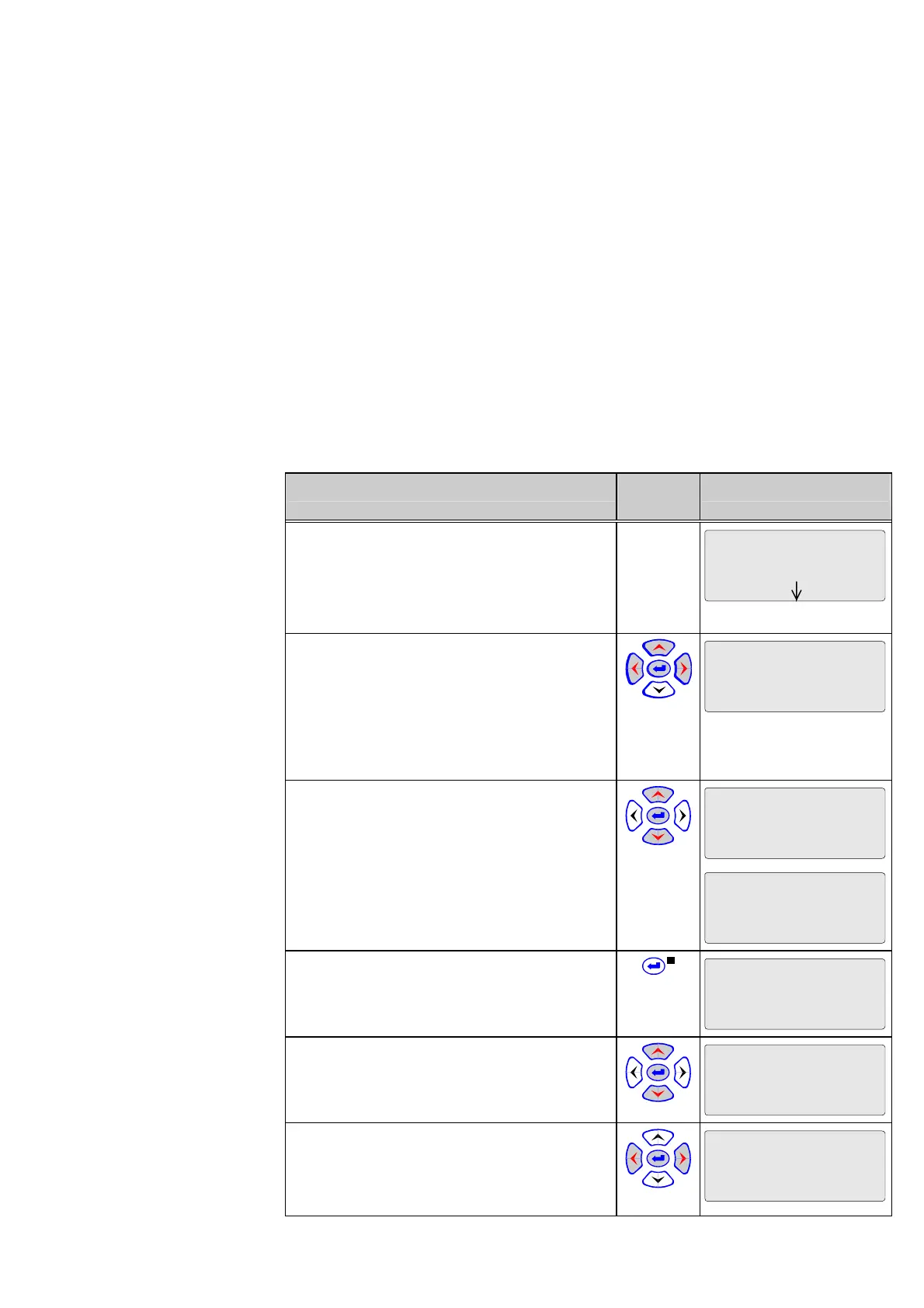
Control Step / Description Control
Action
Display
0 Select a list parameter (in this example, the
parameter 'Fct.assign.trip cmd.' at
‘Par/Func/Glob/ MAIN’ in the menu tree). The
down arrow (È) indicates that a list parameter
has been selected.
Par/Func/Glob/MAIN
Fct.assign.trip cmd.
1 Press the ‘down’ key. The first function and
the first selected signal will appear in the third
and fourth lines, respectively. The symbol
‘#01’ in the display indicates the first item of the
selection. If ‘MAIN: Without function’ appears
for the first item, then this means that no
function assignment has been made yet.
Par/Func/Glob/MAIN
Fct.assign.trip cmd.
#01 DIST
Trip zone 1
2 Scroll through the list of assigned functions
by pressing the ‘right’ and ’left’ keys.
Par/Func/Glob/MAIN
Fct.assign.trip cmd.
OR #02 DIST
Trip zone 2
Once the end of the list is reached, the display
shown on the right will appear.
Par/Func/Glob/MAIN
Fct.assign.trip cmd.
#05 MAIN
?????
3 Press the ENTER key at any position in the
list. The LED indicator labeled EDIT MODE
will light up.
Par/Func/Glob/MAIN
Fct.assign.trip cmd.
#02 DIST
Trip zone 2
4 Scroll through the assignable functions by
pressing the ‘right’ and ‘left’ keys in the input
mode.
Par/Func/Glob/MAIN
Fct.assign.trip cmd.
#02 DIST
Trip zone 4
5 Select the operator or the class using the
‘up’ and ’down’ keys. In this particular case,
only the ‘OR’ operator can be selected. There
is no limitation on the selection of classes.
Par/Func/Glob/MAIN
Fct.assign.trip cmd.
OR #02 DIST
Trip zone 4



 To Next Page