6 Local Control Panel
(continued)
C232-302-401/402/403/404-603 / C232/EN M/A23 6-31
Control Step / Description Control
Action
Display
4 Press the ENTER key again. The LED
indicator will go out. The unit will execute the
command.
Oper/CtrlTest/MAIN
Man. trip cmd. USER
Don't execute
5 As long as the LED indicator labeled EDIT
MODE is on, the control action can be
terminated by pressing the CLEAR key. The
LED indicator will go out.
C
Oper/CtrlTest/MAIN
Man. trip cmd. USER
Don't execute
6.5.9 Changing the Password
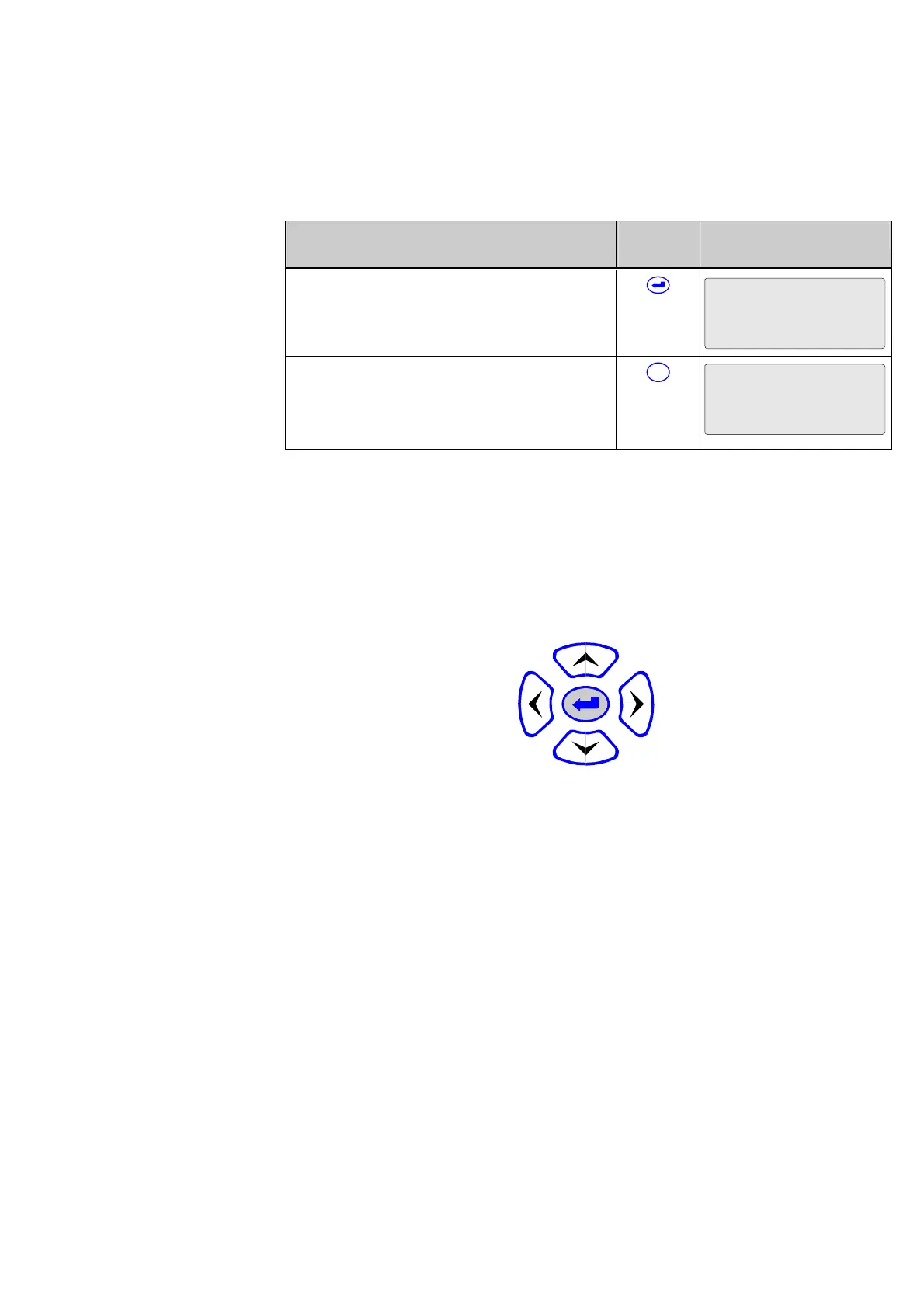
The password consists of a combination of keys that must be entered sequentially within
a specific time interval. The ‘left’,’right’, ‘up’ and ‘down’ keys may be used to define the
password and represent the numbers 1, 2, 3 and 4, respectively:
3
4
21



 To Next Page