6 Local Control Panel
(continued)
6-16 C232-302-401/402/403/404-603 / C232/EN M/A23
Signal Panel
The Signal Panel shows the signals relevant for operation. Each signal is fully time-
tagged (date and time of day). A maximum of three signals are displayed.
Control Step / Description Control
Action
Display
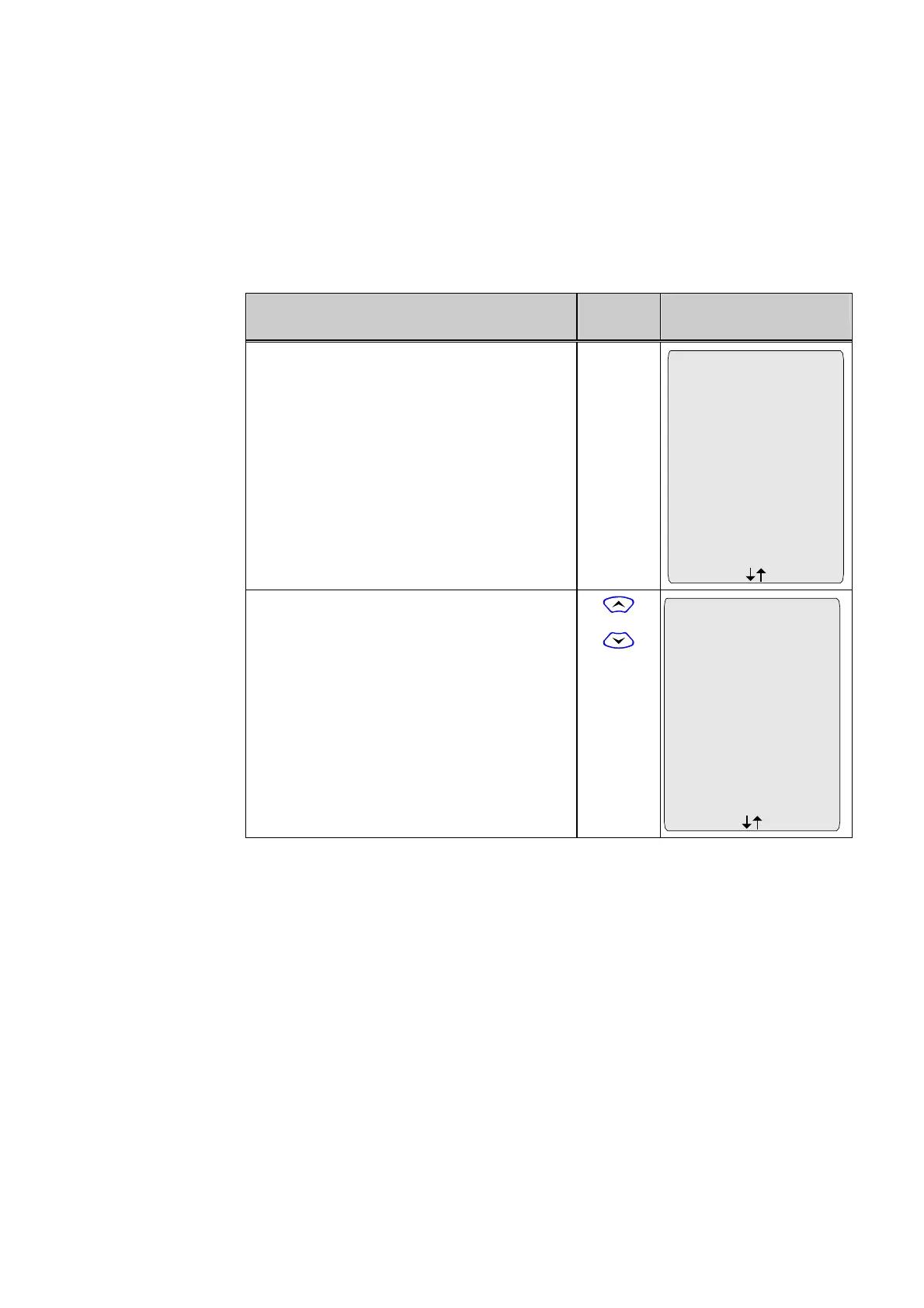
0 The top line of the display shows the Panel
designation and the current time of day. Below
this line, the signals are shown in chronological
order. The arrows at the bottom of the display
area indicate the presence of additional
signals.
Events 16:57:33
20.04.98
05:21:32.331 MAIN
Trip command
Start
05:21:35.501 MAIN
Trip command
End
21.04.98
00:03:57.677 MAIN
Blocked/faulty
Start
1 Press the 'up' or 'down' keys to display the
signals one at a time.
or
Events 16:57:35
05:21:35.501 MAIN
Trip command
End
00:03:57.677 MAIN
Blocked/faulty
End
08:10:59.688 MAIN
Blocked/faulty
End
21.04.98



 To Next Page