24 Quick Start Guide: 7500N Series Modular Switches
7512N and 7516N Shelf Rack Mount Installation Chapter 3: Rack Mounting the Switch
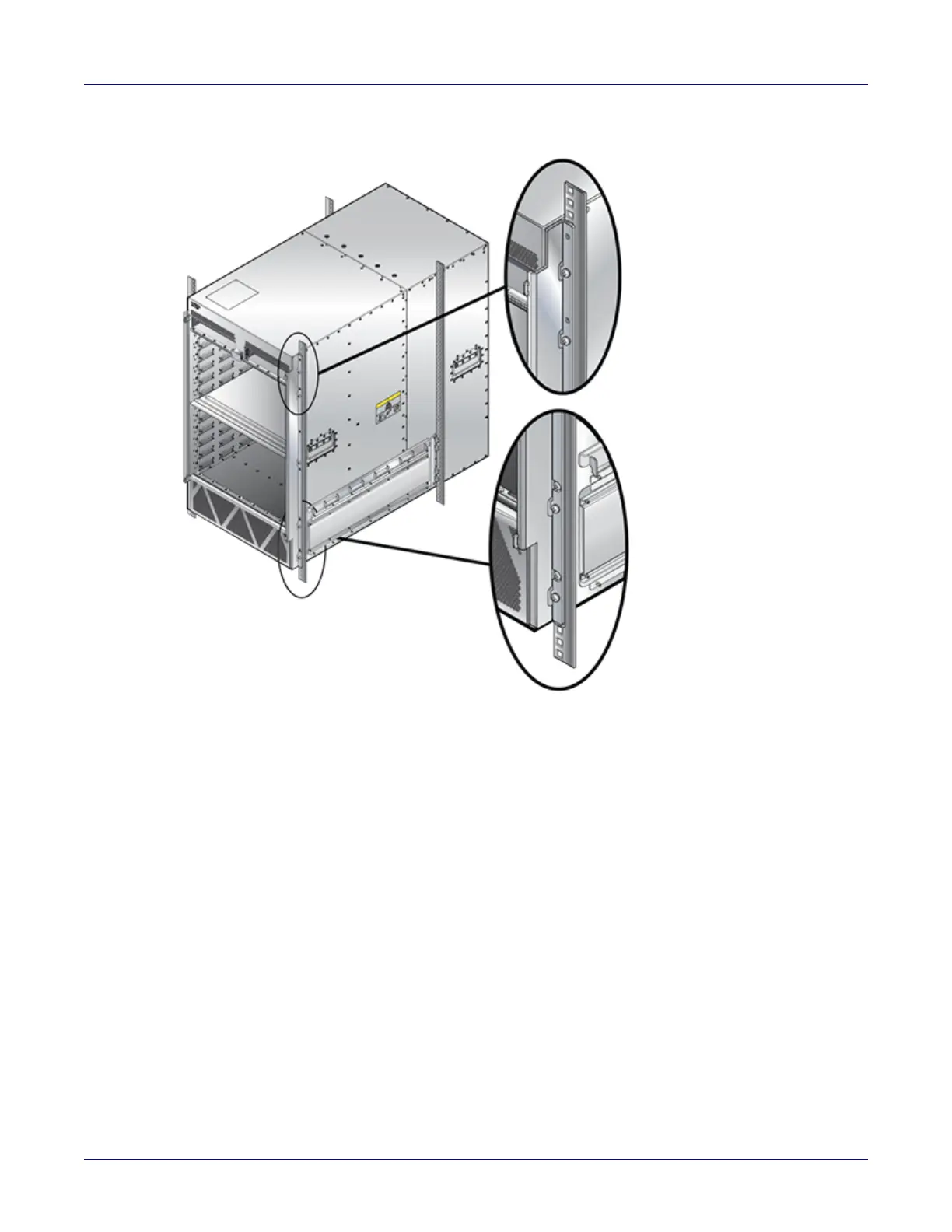
Figure 3-17: Secure the chassis to the rack
Step 3 Ensure the rack kit is firmly installed.
Step 4 Secure the chassis by use of 10 rack screws attaching the ears of the chassis to the front
flanges of the rack posts (Figure 3-17).
Step 5 After completing the Shelf Rack Mount Installation, proceed to Chapter 4.






 To Next Page