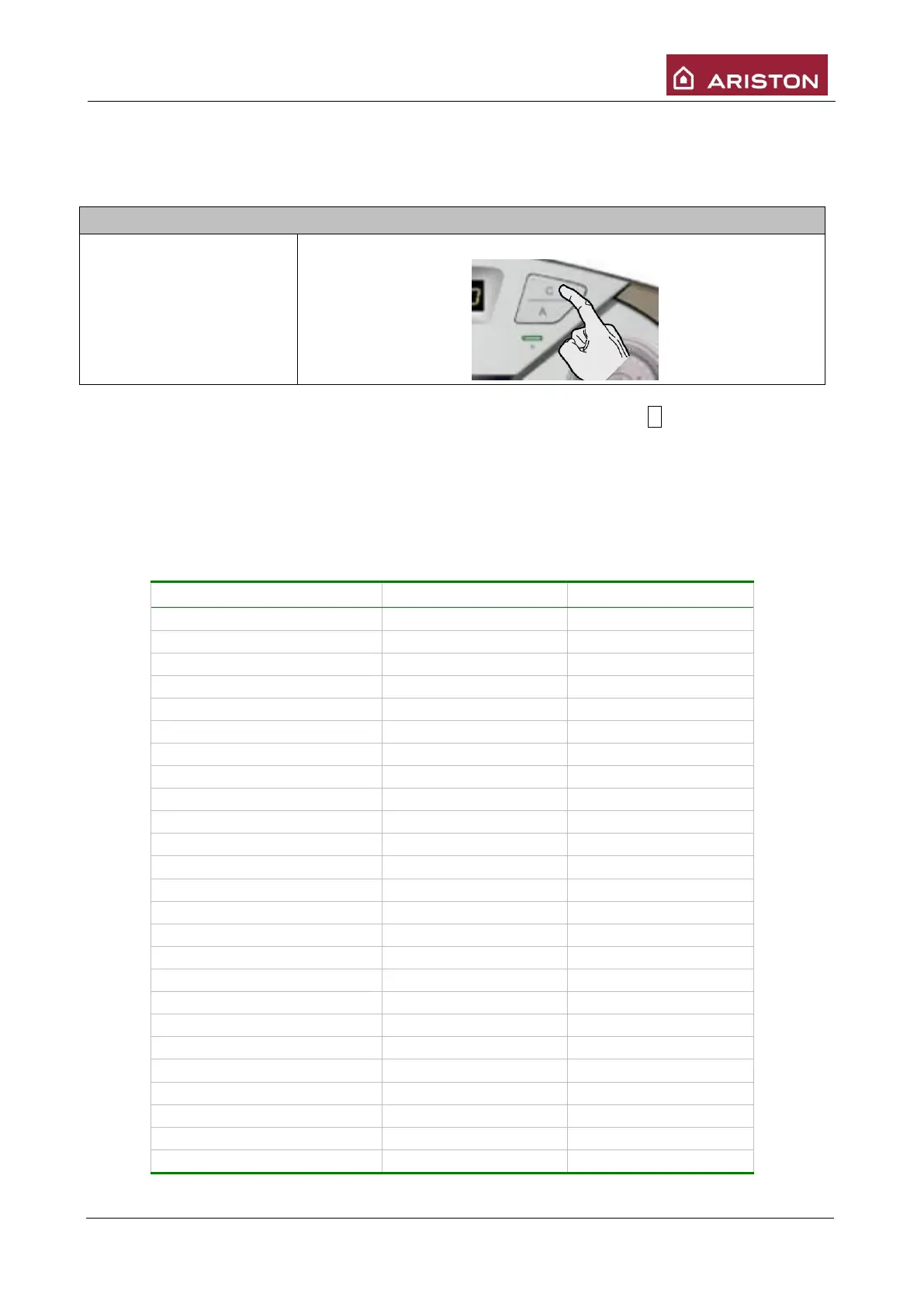
3.2 “COMFORT” Function
This function reduces the hot sanitary water output time.
The objective is reached by keeping the primary circuit in the boiler hot.
To enable this function follow the instructions below:
When the COMFORT function is enabled the display shows yellow led and letter C followed by the
temperature read by sensor NTC1.
The COMFORT function becomes operative after each sanitary demand and remains enabled for the
subsequent 30 minutes. To disable it press button “C” comfort.
Moreover, by means of parameter 2 50 you can set comfort function as follows:
00: disabled;
01: enabled for 30 minutes after sanitary request;
02: always enabled.
The operating range is variable and depends on the temperature set for the sanitary mode:





 To Next Page