6.5 INTERFACE DISPLAY INDICATIONS
During normal operation of the boiler the multifunction display shows the operating state of the boiler.
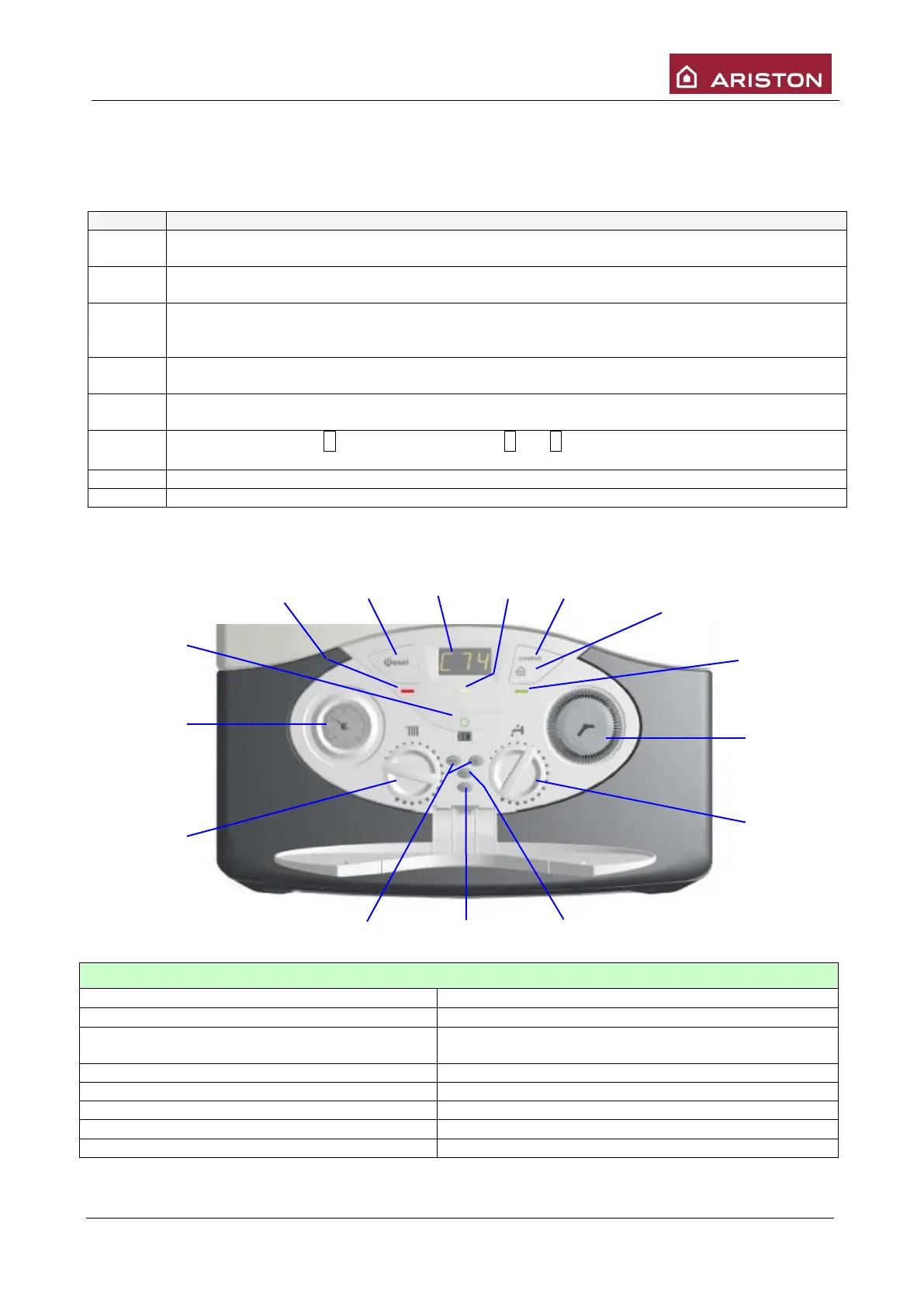
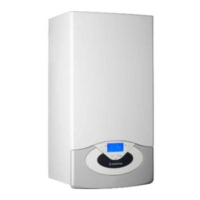
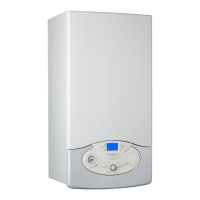
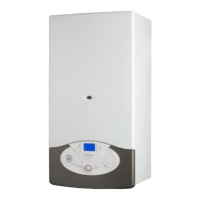
6.6 CONTROL PANEL
2 Yellow led –Comfort function
10 “+” e “-“ programming Buttons
11 Heating temperature regulation knob and
summer/winter
5 Green led – Auto function
6 Programming clock (version UK)
14 Red led – boiler blocked
7 Sanitary temperature regulating knob
STAND-BY. No heating request. The two numbers on the right side indicate the temperature
read by the primary exchanger outlet probe (NTC1).
The boiler is operating on HEATING mode. The two numbers on the right side indicate the
temperature read by the primary exchanger outlet probe (NTC1).
After a 2 minute POST-CIRCULATION of the pump at the end of a heating cycle, the boiler will
go on STAND-BY. The two numbers on the right indicate the temperature read by the primary
exchanger outlet probe (NTC1).
The boiler is operating on SANITARY mode. The two numbers on the right side indicate the set
temperature for sanitary.
POST-CIRCULATION of the pump when, during a sanitary withdrawal the temperature
requested is reached. The two numbers on the right side indicate set temperature for sanitary.
ANTIFREEZE
: shows F if working only pump or F and 2 if working also the burner, followed by
the temperature read by sensor NTC1.
SOLAR
:
flow temperature with single coil





 To Next Page