installation &
operating instructions
Design Envelope 4322 & 4372
Tango Pumping Unit
50
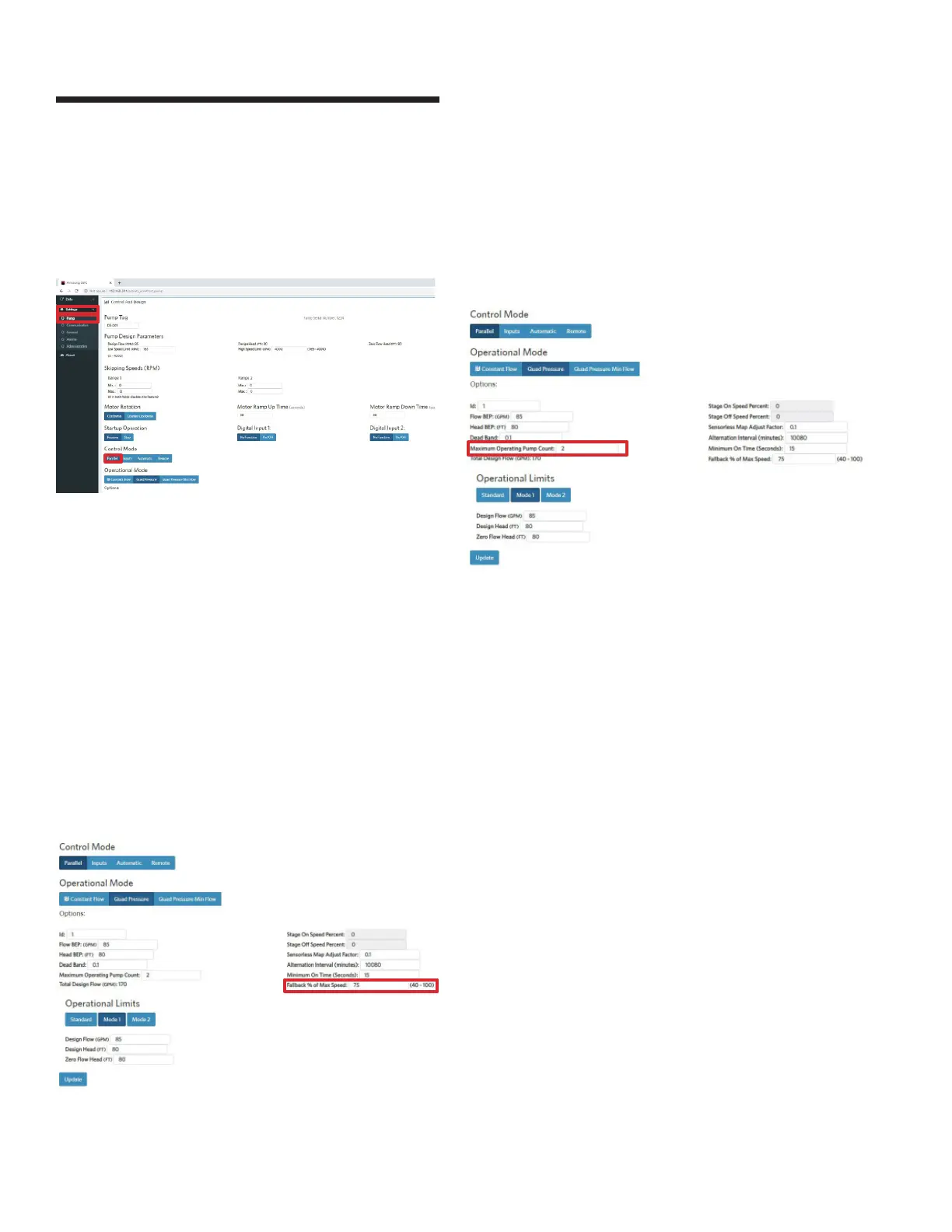
5.8.3 three different control modes can be
accessed
Constant Flow, Quadratic Pressure and Quadratic Pressure with
Minimum Flow.
5.8.4 fallback percentage of maximum speed
While operating multiple pumps in Parallel Sensorless mode, if
any of the pumps are disconnected from the communication cir-
cuit (e.g. the pump is disconnected from the CANbus wire), the
disconnected pump will now continue to operate at a pre-set
constant speed – or the fallback speed. The fallback speed can
be set to a percentage of the pump’s maximum speed (between
40-100%).
Note that only the disconnected pump will operate at constant
speed, the other remaining pumps in the communication circuit
will continue to operate in Parallel Sensorless mode to the
control curve.
This can be done in Operational Mode and input the Fallback %
of Max Speed
5.8.5 standby pumps
Scroll down to Operational Mode and input the Maximum
Operating Pump Count. The remaining pumps will be Standby.
Calculated Design Flow will automatically update based on the
number of pumps inputted.
5.9 2*100% capacity split units
When duty / standby is specified, enter the total system flow
into ACE Online or ADEPT, then select 2*100% unit split for
a superior customer value. The 100% flow redundancy is still
in place plus the onboard pspc will engage the second unit in
parallel operation should it predict lower operating costs.
If second side power is locked out, the operating pump will
operate alone on the control curve to 100% design flow.
5.10 alternation
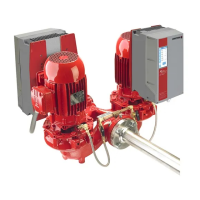
Design Envelope Tango, dualARM, and Twin units are pre-set
to alternate lead-pump operation of each pump head to achieve
equal run hours. The default alternation interval is 10,080
minutes (1 week). This can also be set or adjusted for multiple
single pumps operating in sequence.
To change this setting, use the Webserver and go to Settings ->
Pump, and then go the Control Mode section, under the Parallel
tab, and input the Alternation Interval (in minutes) to the new
value. Press update to complete the change. Connect the
Webserver to the second pump and repeat.






 To Next Page