9
X5001 USER GUIDE - 501-3327100
What About Security?
Having a high-speed, always-on connecon to the Internet requires a certain
amount of responsibility to other Internet users — including the need to maintain a
reasonably secure system. While no system is 100% secure, you can use the following
ps to enhance your system’s security:
• Keep the operang system of your computer updated with the latest security
patches. Run the system update ulity at least weekly.
• Keep your email program updated with the latest security patches. In addion,
avoid opening email containing aachments, or opening les sent through chat
rooms, whenever possible.
• Install a virus checker and keep it updated.
• Avoid providing web or le-sharing services over your gateway. Besides certain
vulnerability problems, most cable companies prohibit running servers on consumer-
level accounts and may suspend your account for violang your terms of service.
• Use the service provider’s mail servers for sending email.
• Avoid using proxy soware unless you are certain that it is not open for abuse
by other Internet users (some are shipped open by default). Criminals can
take advantage of open proxies to hide their identy when breaking into other
computers or sending spam. If you have an open proxy, your service provider may
suspend your account to protect the rest of the network.
• The X5001 ships with wireless LAN security set by default (for the same reasons
that you should run only secured proxies).
Ethernet or wireless?
There are two ways to connect your computer (or other equipment) to the gateway.
The following will help you decide which is best for you:
Ethernet
Ethernet is a standard method of connecng two or more computers into a Local Area
Network (LAN). You can use the Ethernet connecon if your computer has built-in
Ethernet hardware.
Note: To connect more than four computers to the X5001 through the Ethernet ports,
you need an Ethernet hub (available at computer retailers).
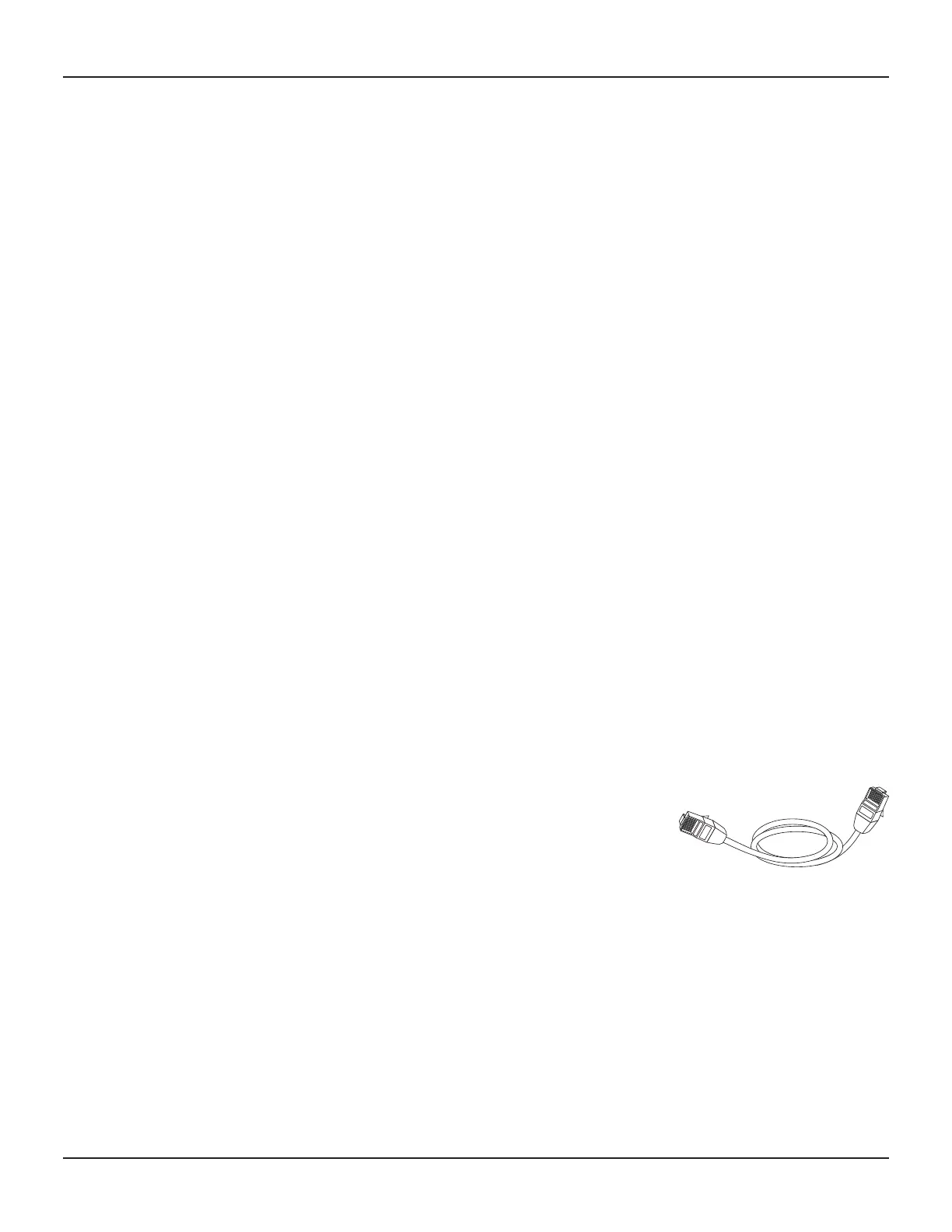
The gateway package comes with one 4-foot (1.2m) Ethernet cable (the connectors
look like wide telephone connectors); you can purchase more cables if necessary at a
computer retailer. If you are connecng the gateway directly to a computer, or to an
Ethernet hub with a cross-over switch, ask for Category 5e (CAT5e) straight-through
cable. CAT5e cable is required for gigabit Ethernet (Gig-E), not regular CAT5 cable.
Wireless
Wireless access lets you connect addional (wireless-capable) devices to gateway.
The 802.11 wireless LAN standard allows one or more computers to access the X5001
using a wireless (radio) signal. These connecons are in addion to the connecons
supported via Ethernet.
Note: You can use the wireless connecon if your computer has a built-in or
aermarket plug-in wireless adapter. To learn more about which wireless hardware
works best with your computer, see your computer dealer.
Both
If you have two or more computers, you can use Ethernet for up to four devices and
wireless for the others. To connect ve or more computers to the Ethernet ports, you
will need an Ethernet hub (available at computer retailers.)
GETTING STARTED (cont.)














 To Next Page