MAX1000 User Guide www.arrow.com
Page | 32 July 2017
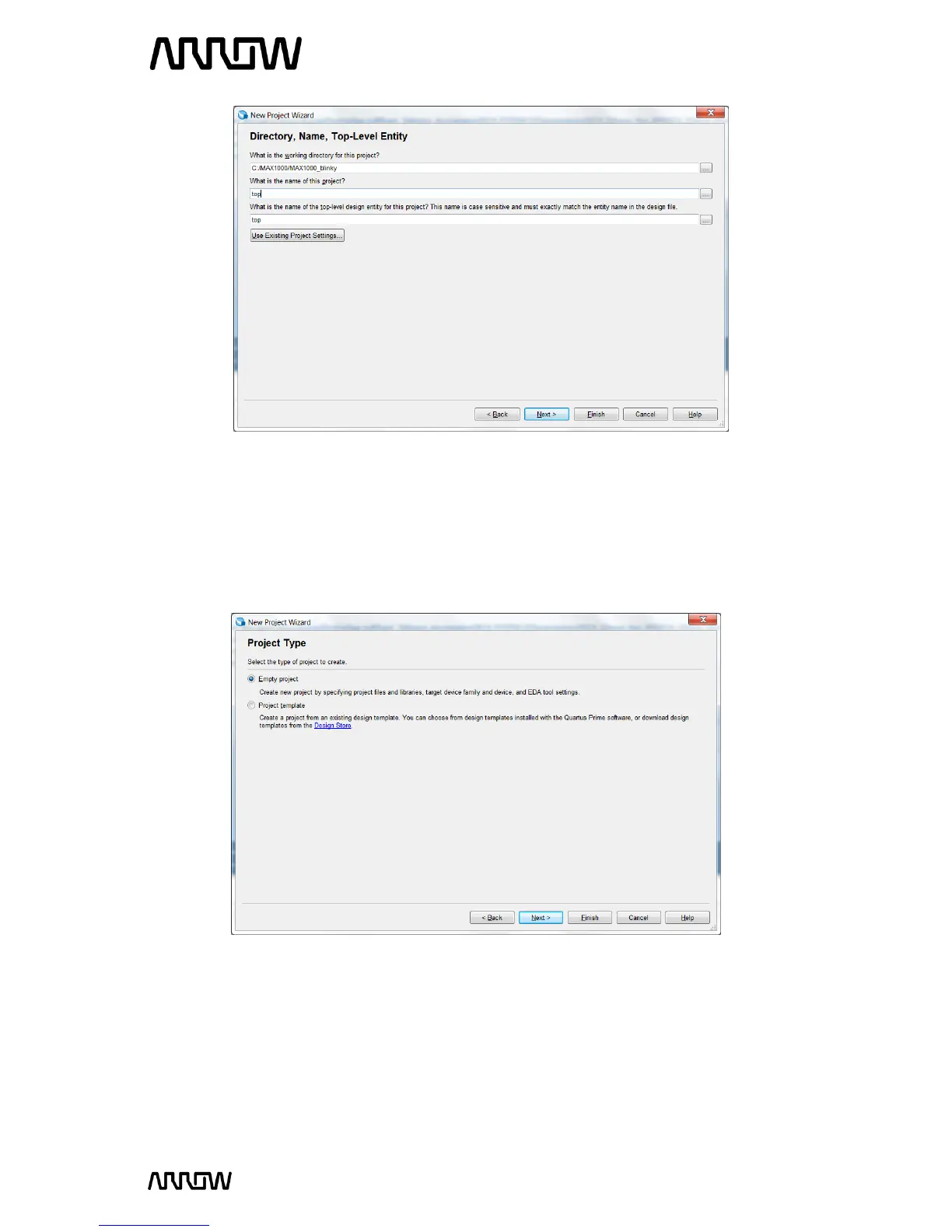
5.1.6 Click “Next”.
5.1.7 Project Type
In this page you choose the Project Type. In this tutorial, a new project will be created, and thus
the default settings of empty project should be selected.
5.1.8 Click “Next”.
5.1.9 Add Project Files
The Add File window will appear. For this tutorial, new design files will be created so no files will
be added. For other designs, files could be added here.



 To Next Page