MAX1000 User Guide www.arrow.com
Page | 34 July 2017
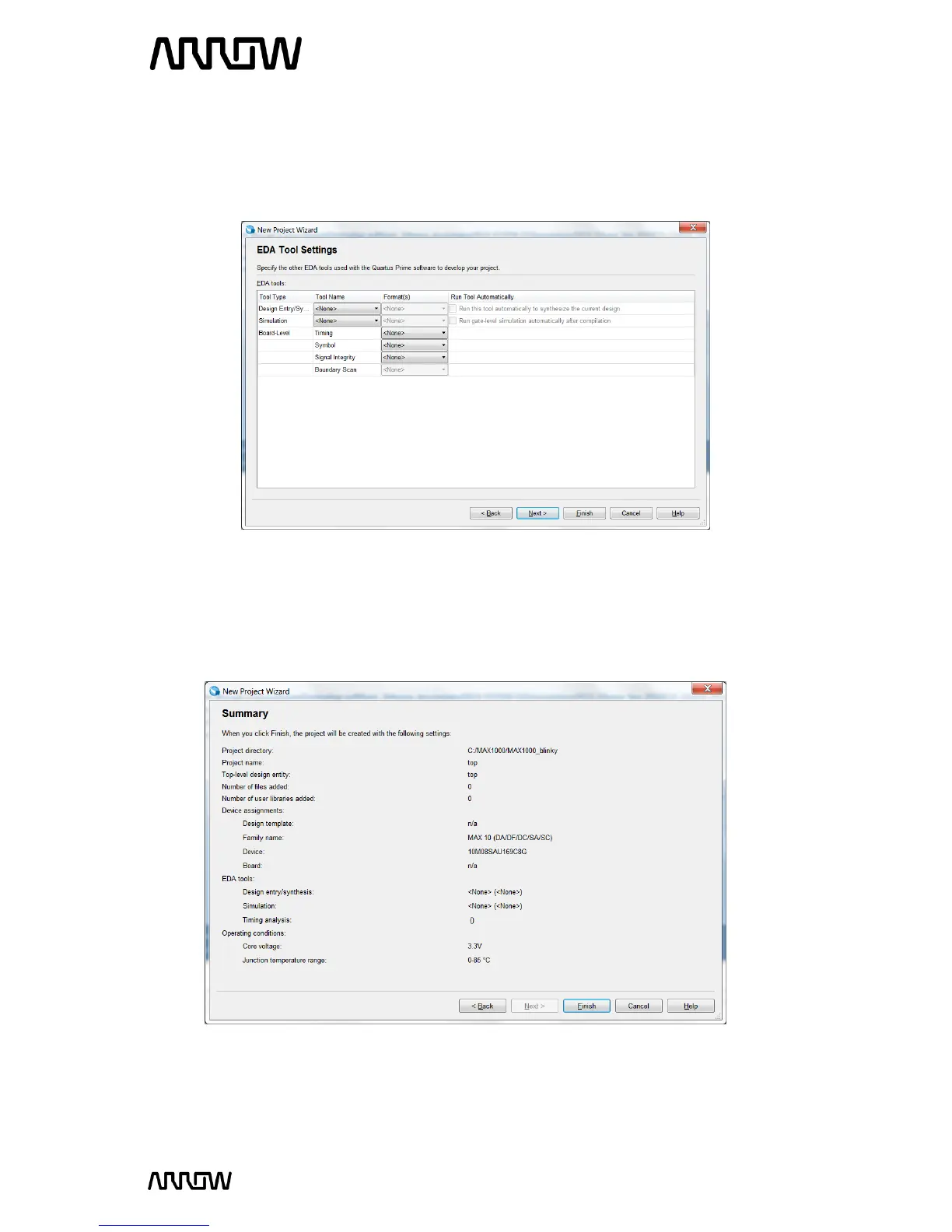
In the EDA tool Settings window, disable any EDA tools, if there are any present. EDA tools are
third party tools that work with Quartus Prime for design entry, simulation, verification and
board-level timing. For this tutorial, no EDA software will be used, as only Quartus Prime will be
used.
5.1.14 Click “Next”.
5.1.15 Project Summary Page
This is the Summary Page that showing the settings Quartus Prime will use for this Project. Those
settings can be changed if required at a later time.
5.1.16 Click “Finish”.



 To Next Page