MAX1000 User Guide www.arrow.com
Page | 40 July 2017
5.2.4.7 Click “Next”.
5.2.4.8 Click “Next” for pages 7 to 11, as default settings are to be used.
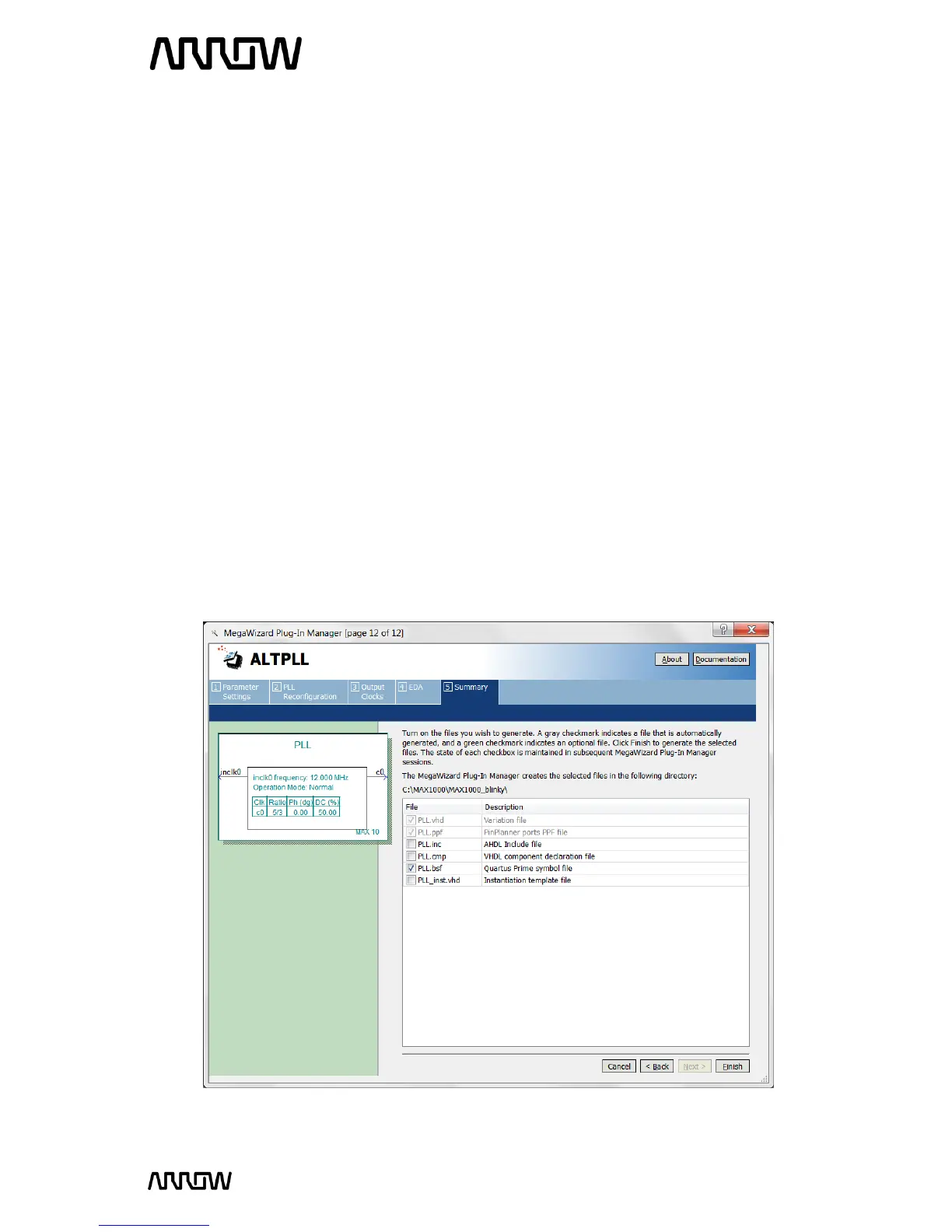
5.2.4.9 On page 12 there is a list of output files that will be generated. Since the design will be
done in a schematic, you will need to select PLL.bsf checkbox. The .bsf file provides a
symbol that can be used in the schematic design we will be creating later.
The setting should look like this:



 To Next Page