5
Unity integration with NFC and Bluetooth
How to use the NFC sensor
Activate the Internet connection on your device and download the data with NFC.
Identify the position of the NFC sensor on your device (on a smartphone, for example).
Before starting the exercise, place your own device on the equipment and line the sensor on your device up with the NFC logo. In this way, your device
connects to the Technogym cloud and displays the training program and video showing how to do the exercises correctly.
At the end of the exercise the results are saved in the Technogym cloud.
To connect with NFC:
- the internet connection in Unity must be activated;
- the Technogym application must be installed in your personal device
MYWELLNESS
14:00
GAMES
EXERCISE GOAL
IN DISTANCE
EXERCISE GOAL
IN TIME
EXERCISE GOAL
IN CALORIES
EXERCISES
START
TV
MUSIC
OUTDOORS
How to use Bluetooth
Bluetooth functionality makes it possible to manage the audio contents of your Apple
device directly with Unity.
Activate the Bluetooth connection on your device (for example, on your smartphone).
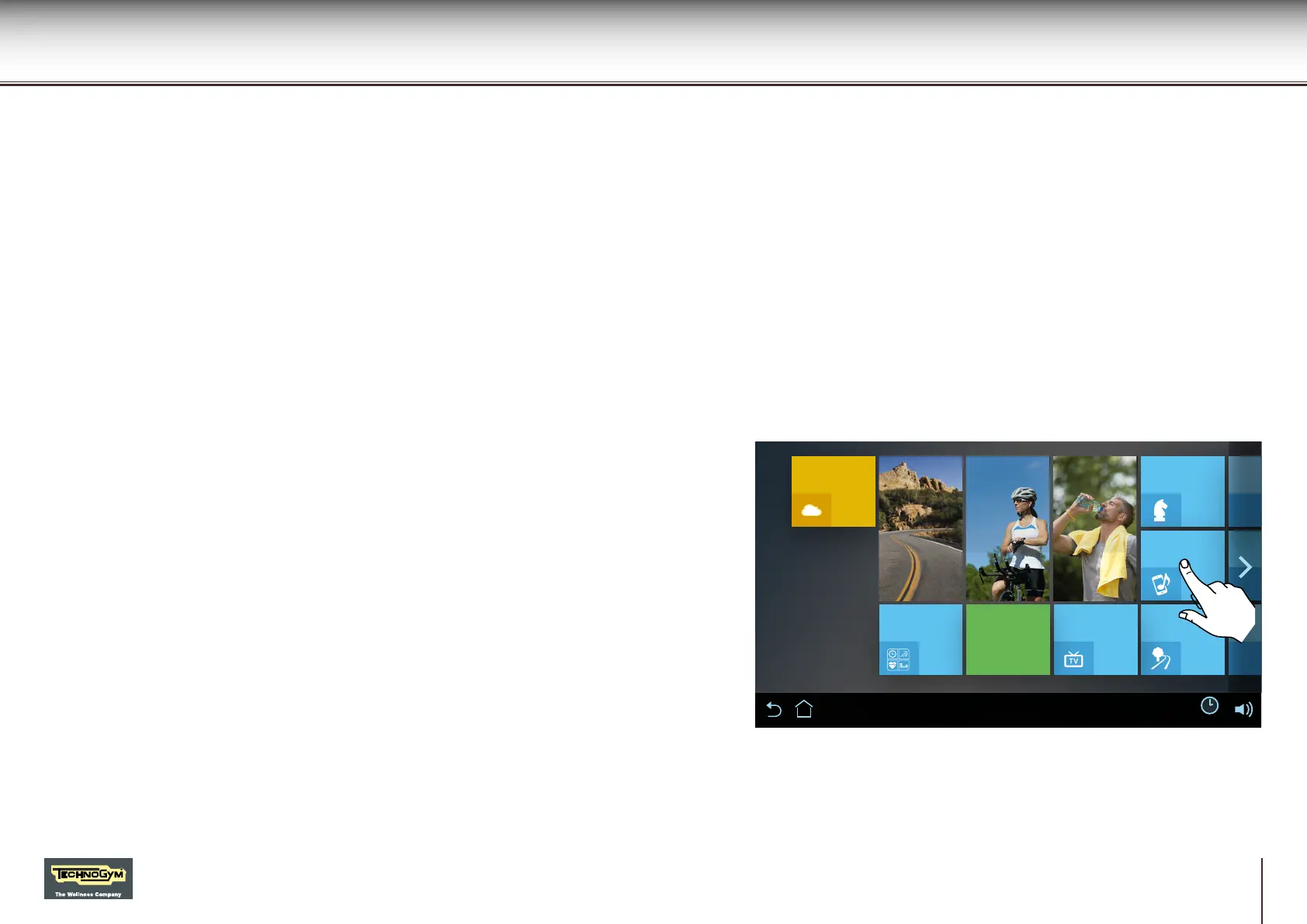
Press the Music button in Unity.
A list of devices will appear; select your device.
Conrm the match in your device.
Now Unity and the Bluetooth device are connected and it will not be necessary to
repeat the procedure. Simply turn on Bluetooth in your device and move towards Unity.
Unity can also be connected with the Bluetooth headphones in the same way.
Unity


 To Next Page