12.5. Preset: Preset info
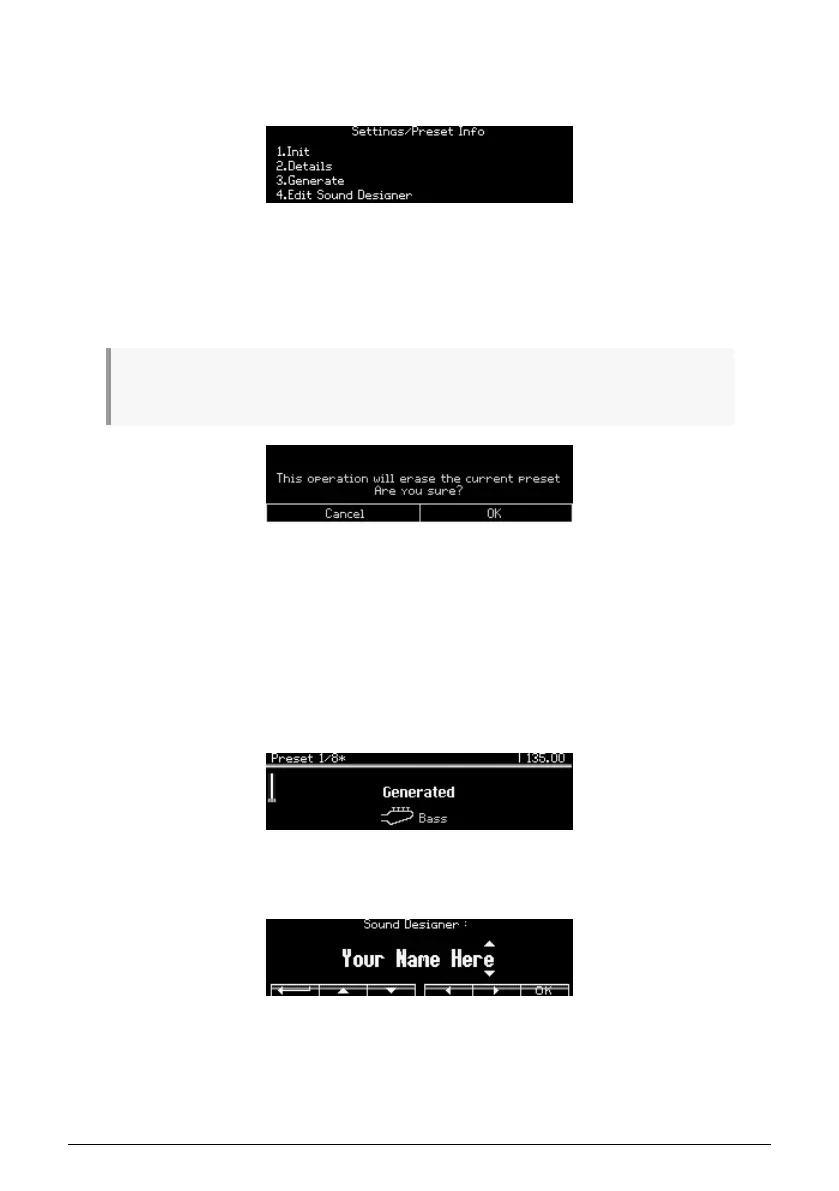
The Settings / Preset Info category has four options, as pictured below.
12.5.1. Preset info: Init
This option will initialize the patch [p.14]. The result is the same as holding the Preset left
arrow + pressing [Preset].
Press any button from 1 to 4 to cancel the operation or press any button from 5 to 8 to validate the
operation.
12.5.2. Preset info: Details
This option shows information about the current patch: type, sound designer, and revision
number.
12.5.3. Preset info: Generate
This option generates a random program [p.46] and shows this in the display:
12.5.4. Preset info: Sound designer
Use [Assign 2-7] to enter the name of the sound designer for the current patch. The process
is described here [p.47].
94 Arturia - User Manual PolyBrute - Settings















 To Next Page