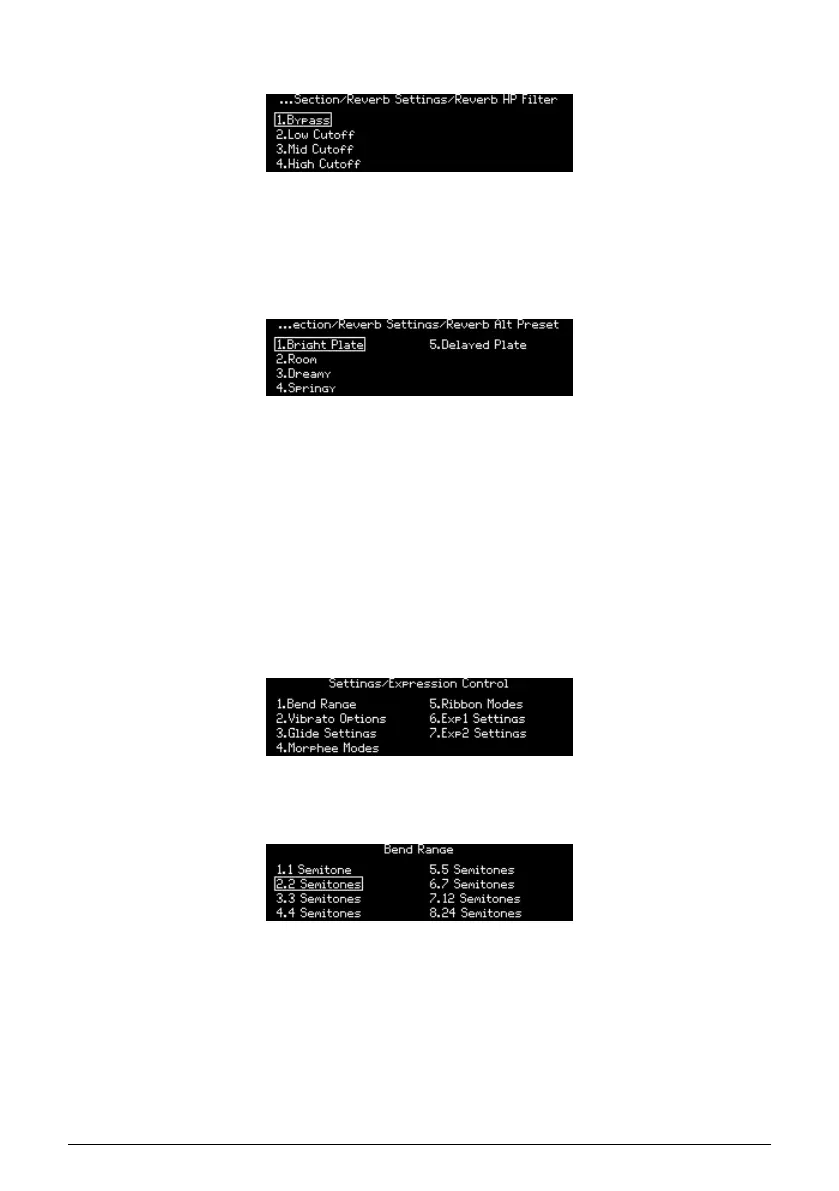
12.3.5.1. Reverb HP filter
Edit the Reverb HP Filter. Use [Assign 1-4] to select the HP filter cutoff: Bypass, Low, Mid, or
High.
12.3.5.2. Reverb Alt Preset
• Edit the Reverb Alt Preset. These five variations are the ones that can be selected
for (and saved with) the patch you're creating:
◦ Bright Plate
◦ Room
◦ Dreamy
◦ Springy
◦ Delayed Plate
12.4. Preset: Expression control
The Settings / Expression Control category has seven options, as pictured below.
12.4.1. Expression: Bend range
Use [Assign 1-8] to set the bend range for the PItch wheel. Maximum range is +/- 24
semitones (+/-2 octaves).
Arturia - User Manual PolyBrute - Settings 91















 To Next Page