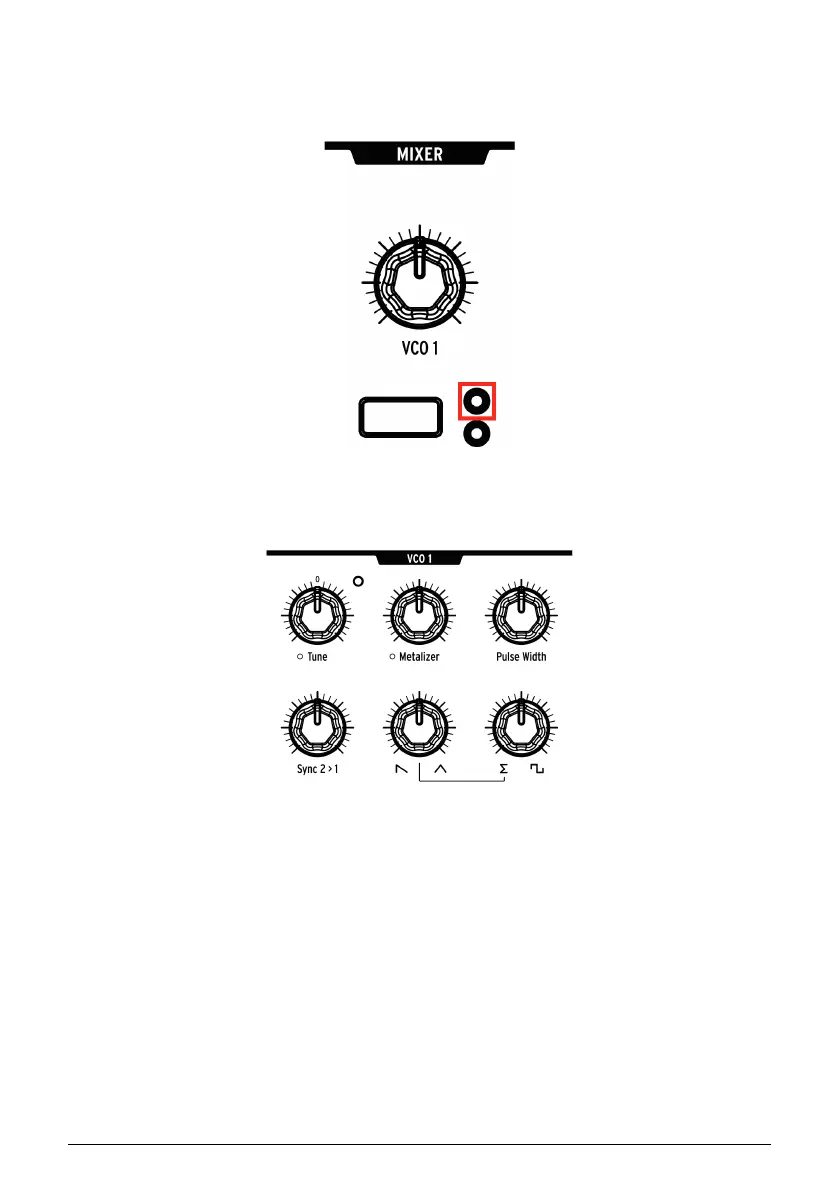
3.2.2. VCO 1
After the patch has been initialized, play a note on the keyboard. You'll hear a simple, bright
waveform from VCO 1 only.
In the Mixer section, press the VCO 1 Filter button repeatedly until the LED inside the orange
circle is lit. The filter sections are color-coded to match the circles, so this means that VCO 1
is routed to the Steiner filter.
Adjust the VCO 1 Tune knob up, down, and back to center. This is how to set its basic pitch.
Arturia - User Manual PolyBrute - Create a Patch 15















 To Next Page