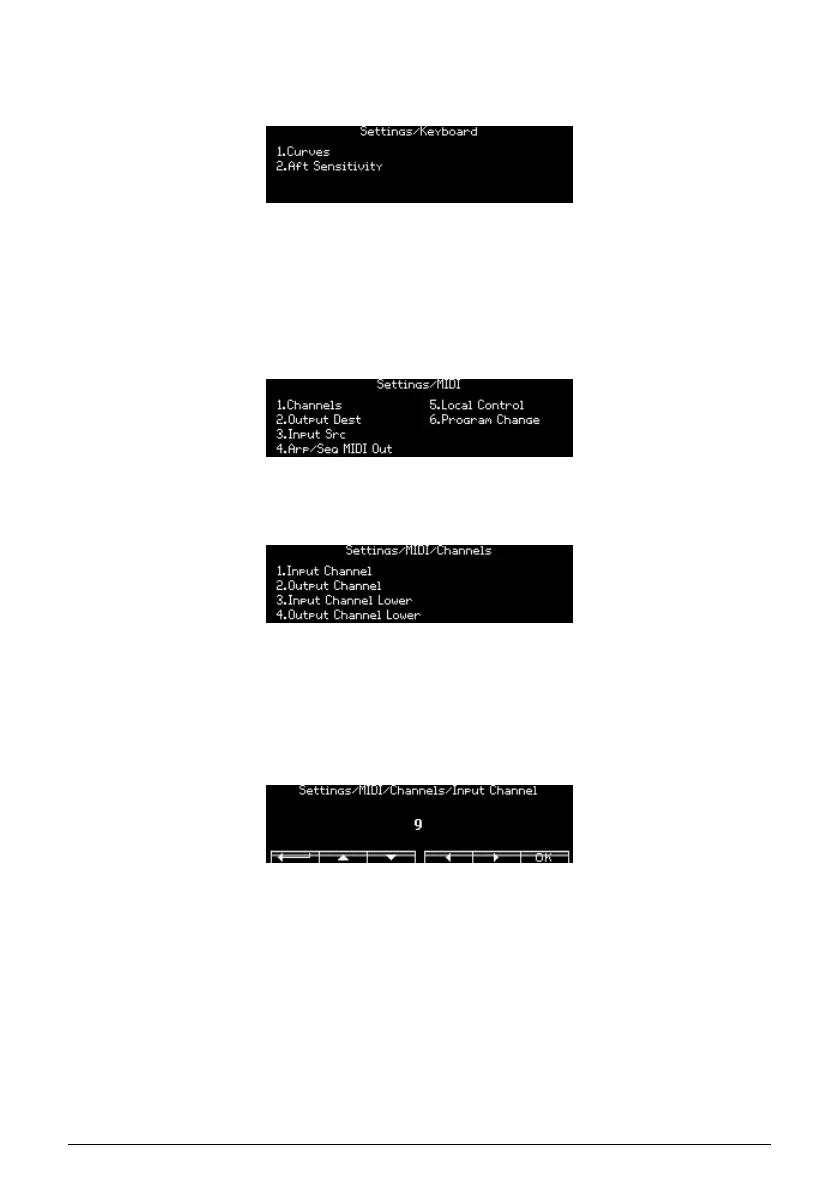
12.7. Global: Keyboard
The Global / Keyboard category has two options, as pictured below.
Use [Assign 1] to set the velocity and aftertouch curves. Use [Assign 2] to set the aftertouch
sensitivity.
12.8. Global: MIDI
The Global / MIDI category has six options, as pictured below.
12.8.1. MIDI: Channels
Use [Assign 1-4] to enter the desired menu.
12.8.1.1. Input Channel (upper/lower)
The pages for the upper and lower zones are identical, so both are described here.
Use [Assign 2] to return to the previous menu. Use [Assign 3-6] to make a selection. Use
[Assign 7] to confirm the choice. Turn the mod amount knob to select the desired MIDI
channel.
96 Arturia - User Manual PolyBrute - Settings















 To Next Page