10.4. Morph and mod routes
As mentioned earlier, sounds A and B share the same set of 32 Mod Matrix routes (and 64
mod connections). That means, for example, that for Mod page 1, route A 1, the selections
for the source and destination need to be the same. But the settings for the source can be
completely different for sound A and for sound B!
Here's a quick example:
1. Initialize the patch and turn the Morph knob to A.
2. Enter Mods mode, set up a mod route from LFO 1 to Pitch Global, and give it a
positive amount.
3. Set the LFO 1 waveform and speed to something obvious like a slow downward
sawtooth.
4. Turn the Morph knob to B.
5. Give the LFO 1 to Pitch Global a positive amount and set the LFO 1 speed to
something different.
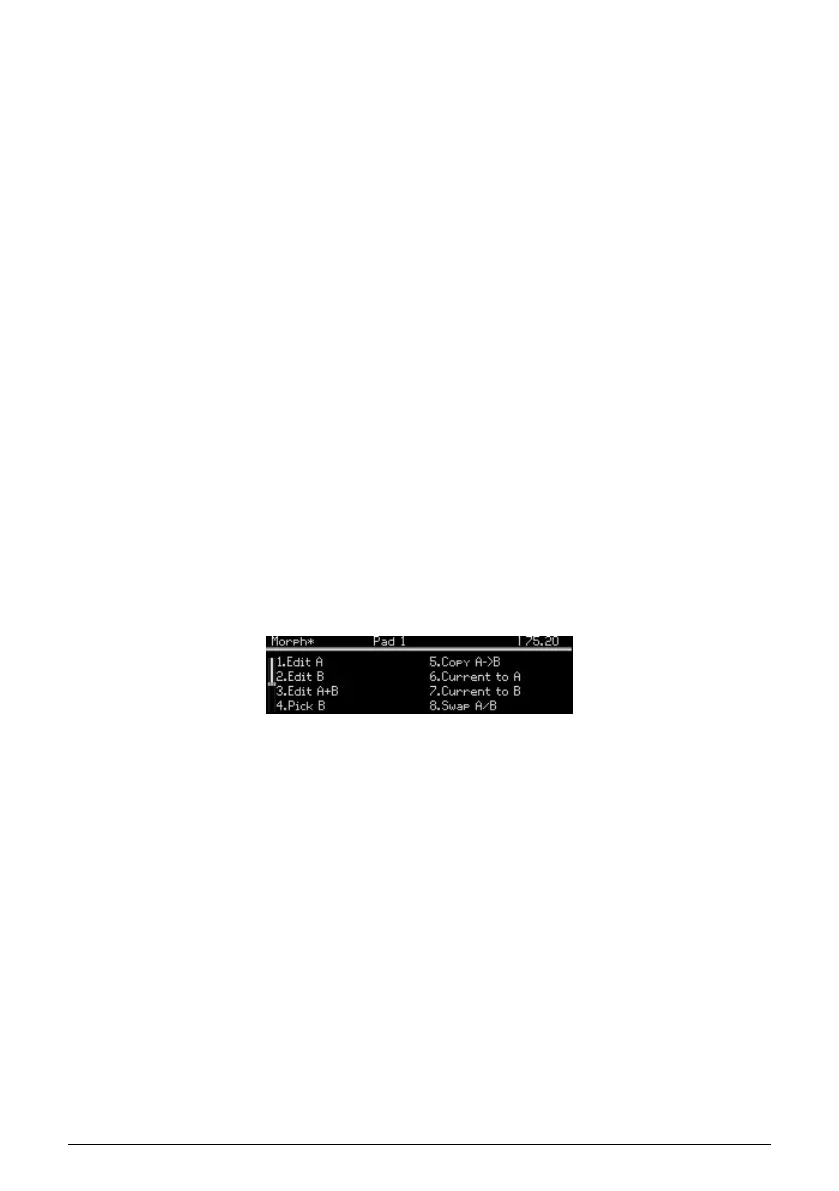
6. Press the [Morph] button (under the Amount knob) to enter Morph mode.
7. Select Edit B with [Assign 2]. Now two mode buttons are lit (Mods and Morph).
8. You can now set LFO 1 waveform to something different.
9. Now play a note and turn the Morph knob from A to B: the LFO changes gradually
between the two.
As you can see, there's a lot of potential even when sounds A and B are sharing the same
modulation source.
10.5. Morphing sounds
The top level of Morph mode has eight options: three for sound editing, and five utilities.
10.5.1. Editing sounds A and B
The Edit A / Edit B modes allow you to change settings that would otherwise set sounds A
and B to the same value. For example, here's what happens when changing the VCO filter
routing at the Preset level.
• Initialize the patch [p.14].
• Press [Presets] to reach the top level, if you're not already there.
• In the Mixer section, the routing LED shows that VCO 1 is routed to the Ladder
filter.
• Turn the Morph knob from A to B: the filter routing does not change.
• Change the filter routing to the Steiner filter and turn the Morph knob again: the
filter routing does not change.
74 Arturia - User Manual PolyBrute - Morph Mode















 To Next Page