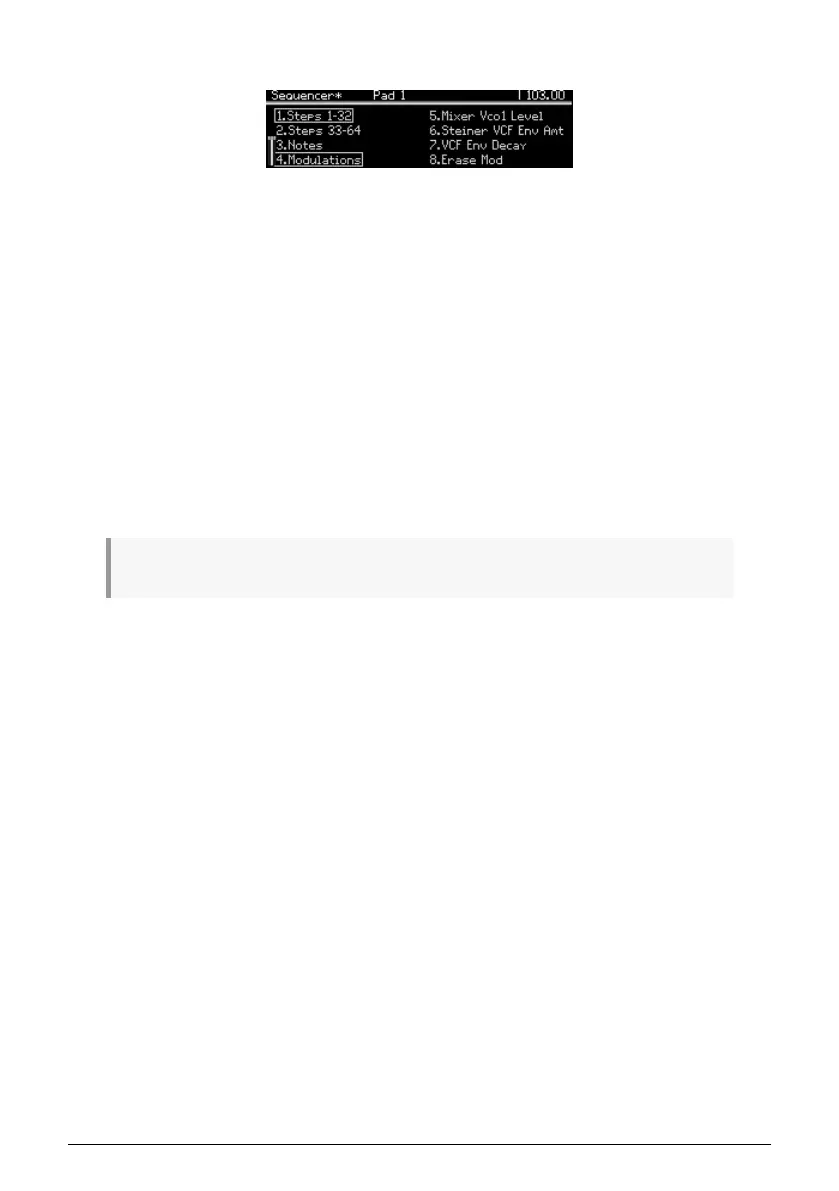
8.3.8. The Modulation tracks
Controller changes can be recorded for up to three parameters, live or in step record. Here's
how it works:
• During real-time recording the sequence normally loops indefinitely, but when
recording a Modulation track the record light turns off after one loop.
• When a control is moved during a record loop, Modulation track recording begins
on that step (i.e., step N). When the record loop reaches step N-1, the record light
turns off. This can be repeated for two other controls.
• Use [Assign 4] on the Sequencer home page to select the Modulations view. The
names of the recorded controls appear in the display at Assign slots 5-7.
• To delete a Modulation track, hold [Assign 8] and press the Assign button that
shows the name of the track to be deleted.
• While step-recording, move one of those three parameter controls to enter or
change its value at the selected step.
• When the sequence is not playing, [Assign 8] "Toggle Mute" is active in
Modulations view (even though you can't see it). Use this when you want to hear
what the Modulation tracks are doing while holding a few notes.
♪: For details about editing the contents of a Modulation track, see Step record: Mods [p.70].
Arturia - User Manual PolyBrute - Sequencer Mode 63















 To Next Page