Page 43
Graph Data Export to USB (GUI Firmware v2.2.0.0 and later)
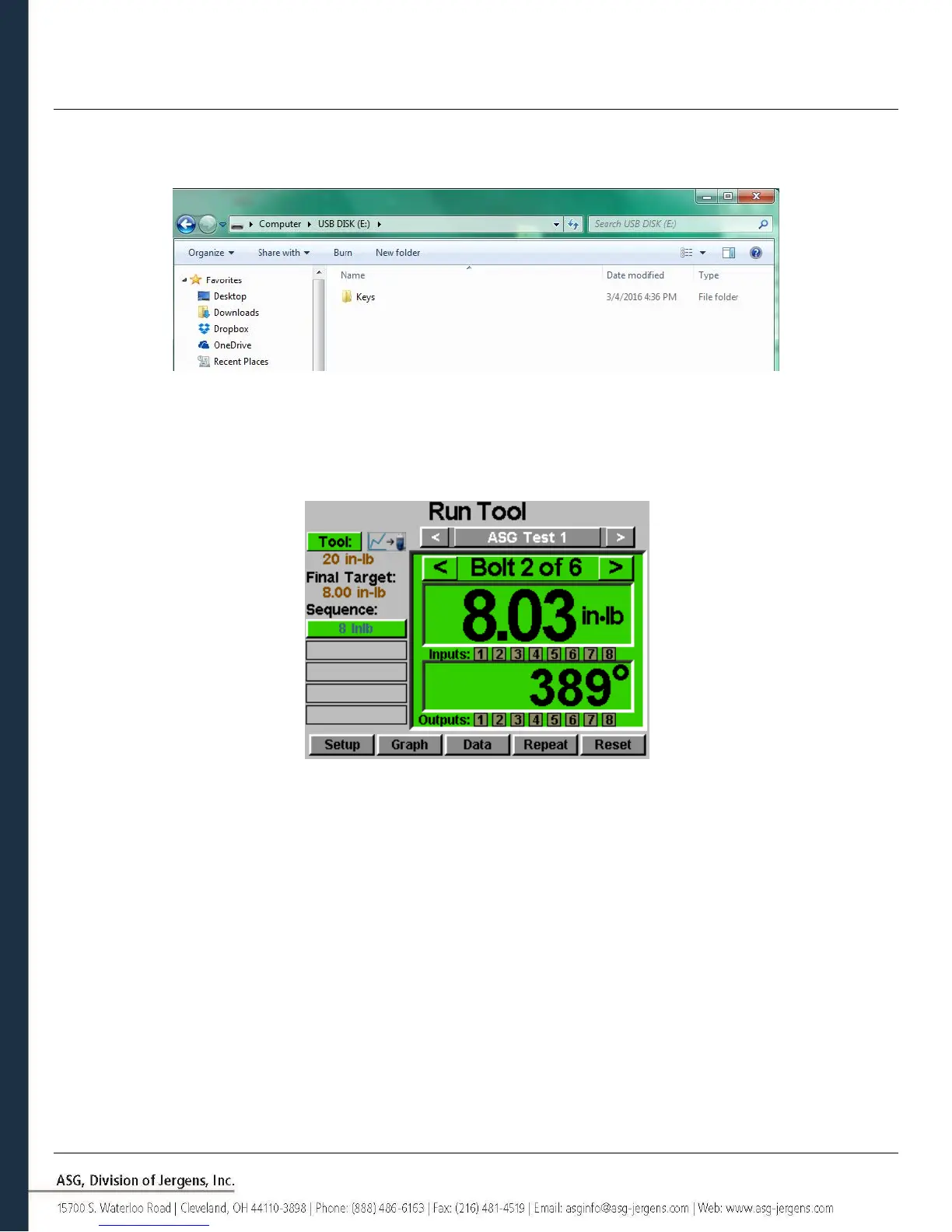
In order to enable the graph data export function, a key file must be saved to a USB flash drive and inserted to the
controller. This file can be obtained from ASG and saved to the USB main directory inside a folder named ‘Keys’.
Once inserted, an icon will appear on the ‘Run Tool’ screen next to the ‘Tool’ button indicating the feature is enabled.
Upon the completion of each rundown, the controller will export the graph data to the USB drive. It will be saved in the
directory [Controller Name]\Graphs where [Controller Name] is whatever is programmed in under the ‘Controller Info’
menu.
During the data export, a banner message will appear notifying the user that the export is in progress. It is not
recommended that this feature be used during production because the tool will not operate during the data export.
The tool will resume its normal operation once the export is complete.
The available data for export in this process is the following:
• Task Number
• Bolt Number
• Sequence Step
• Time (in ms since tool was triggered)
• Prevailing Torque
• Torque
• Torque Units
• Angle Total
• Angle since Threshold Torque



 To Next Page