Page 50
Tool Calibration
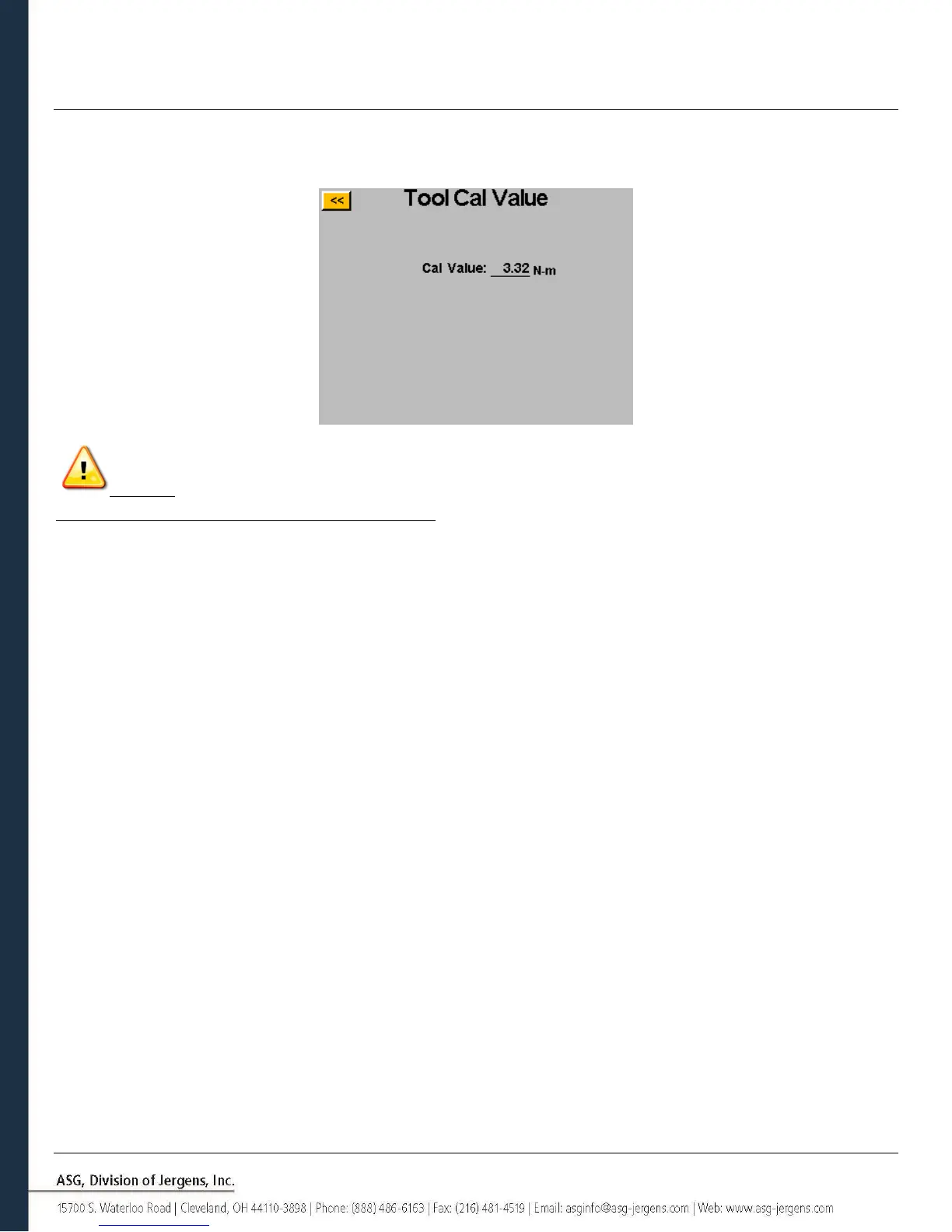
To view the calibration value of the tool connected to the controller, tap the ‘Tool Cal’ button on the ‘System’ screen.
The calibration value will be displayed, and can be modified if required.
CAUTION: Tapping on the Calibration Value will take you to a screen where the value can be manually changed.
This screen is for qualified calibration technicians only. Improperly changing the calibration value of the tool could lead
to inaccurate torque readings and potential tool damage.



 To Next Page