Page 46
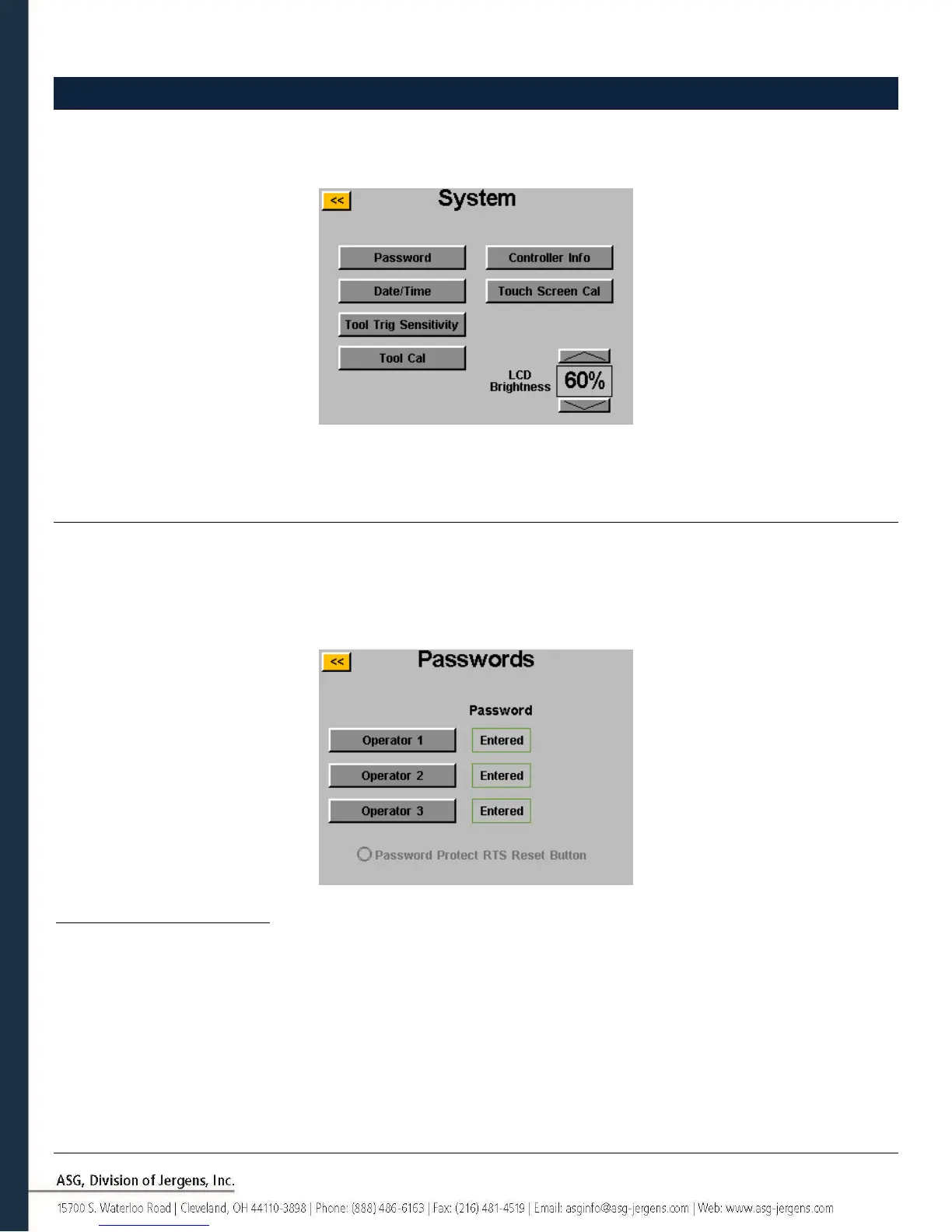
System Setup Screen
The ‘System Setup’ screen allows the user to set system controls and tool settings. See the following sections for further
information.
Passwords
From the ‘System Setup’ screen, tap the ‘Passwords’ button. The controller allows (3) individual passwords, each
password allows access to the controller when locked. Each password allows full access to unlock the controller. When
a controller is locked, the controller will still navigate to all screens and settings will be viewable. If it is locked and a
user tries to access a protected field, the controller will prompt for a password to allow access.
Creating a User(s)/Password(s): Tap an available user button and enter a User Name when prompted. Next enter a
password, and then confirm the password. The controller will return to the ‘Passwords’ screen, and the entered user
name should be visible in one of the buttons. Return to the ‘Setup’ screen by tapping the [<<] button twice. You will
notice that the screen appears differently than before, many of the fields are “greyed-out” signifying that the controller
is locked and those fields are no longer accessible.



 To Next Page