Asiga MAX User Guide
Copyright ASIGA © 2017 VERSION 1.04
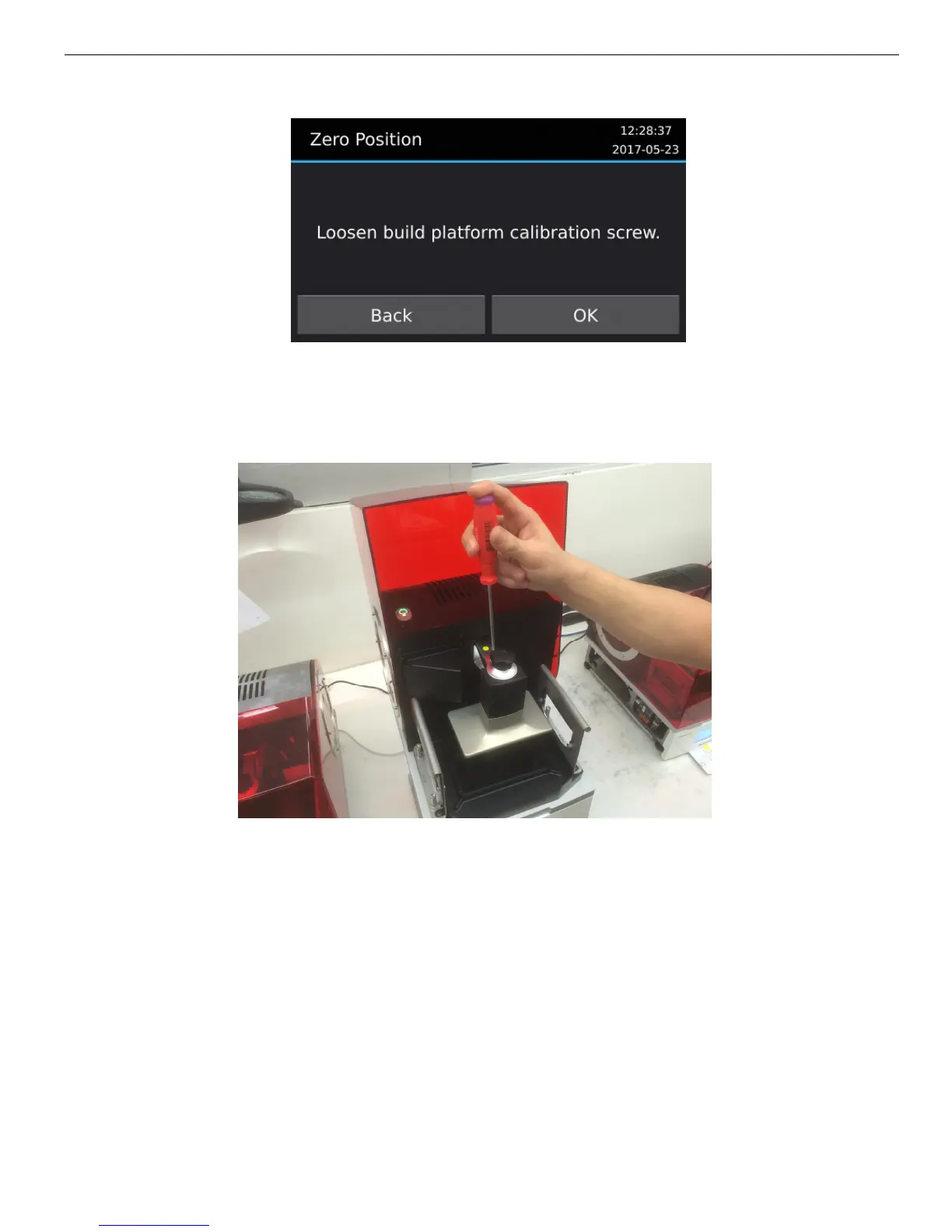
4. Loosen the build platform calibration screw. This can be done with a 4mm hex key
hand tool which is included in the MAX Calibration Tool Kit. When the screw is
properly loosened, the build platform should be able to move freely up and down and
rotate around the horizontal axes of the machine.
5. Press “OK”.
6. Set the calibration plate thickness. A calibration plate is a spacer placed underneath
the build platform, if required, whose thickness is subtracted by the printer software if
used. Normally no calibration plate is required, so a value of 0.00mm can be
selected.


 To Next Page