Asiga MAX User Guide
Copyright ASIGA © 2017 VERSION 1.04
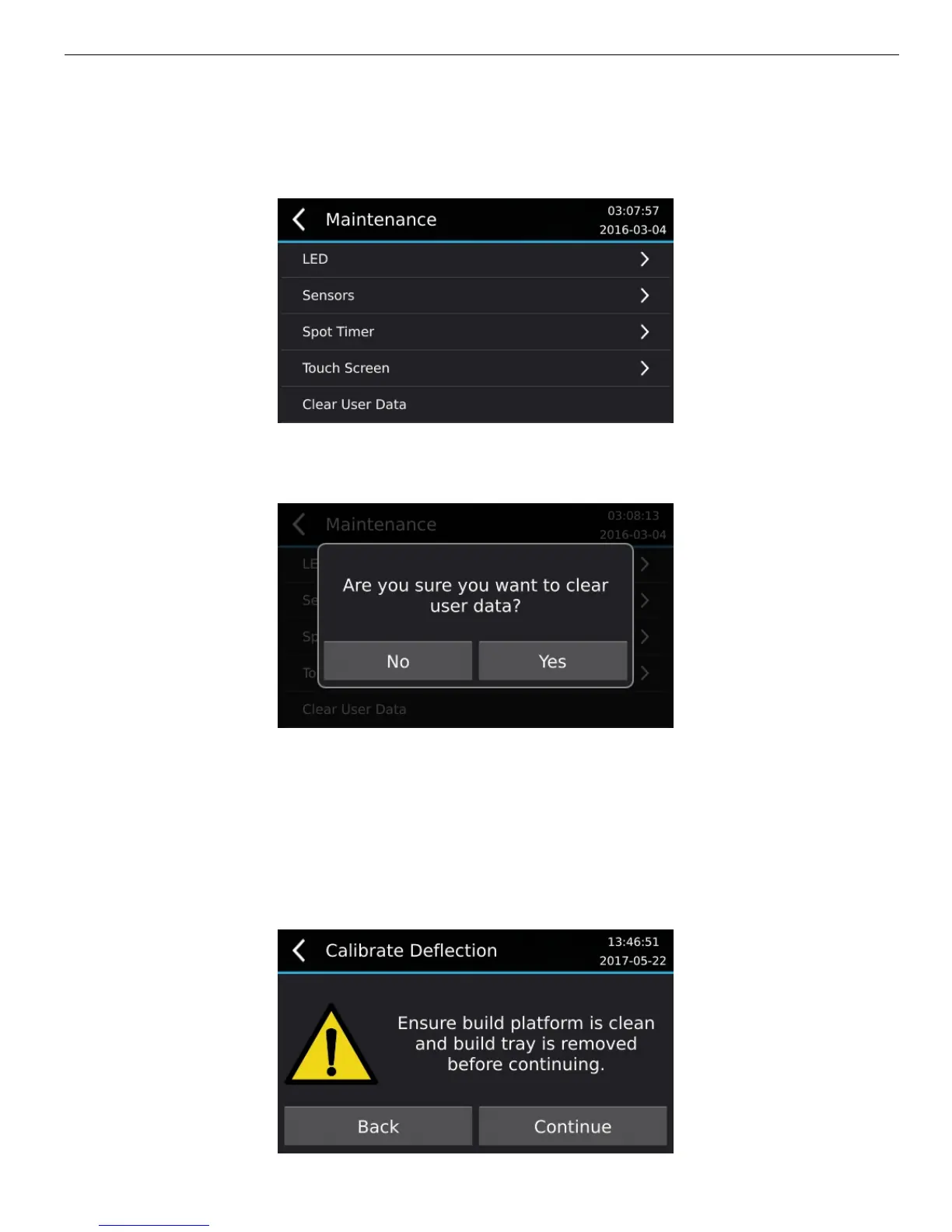
The Clear User Data menu item deletes all pending jobs in the build queue and the current
build. It also clears the BuildLog.ini file which records the attributes of recent jobs built on
the machine.
This function may be used when the machine is sold or confidential build jobs are on the
machine.
Calibrate Deflection
The MAX uses four position encoders to measure deflection of the glass window. The
deflection is calibrated as follows:
1. Go to menu item MAINTENANCE > POSITION ENCODERS > CALIBRATE
DEFLECTION.


 To Next Page