Asiga MAX User Guide
Copyright ASIGA © 2017 VERSION 1.04
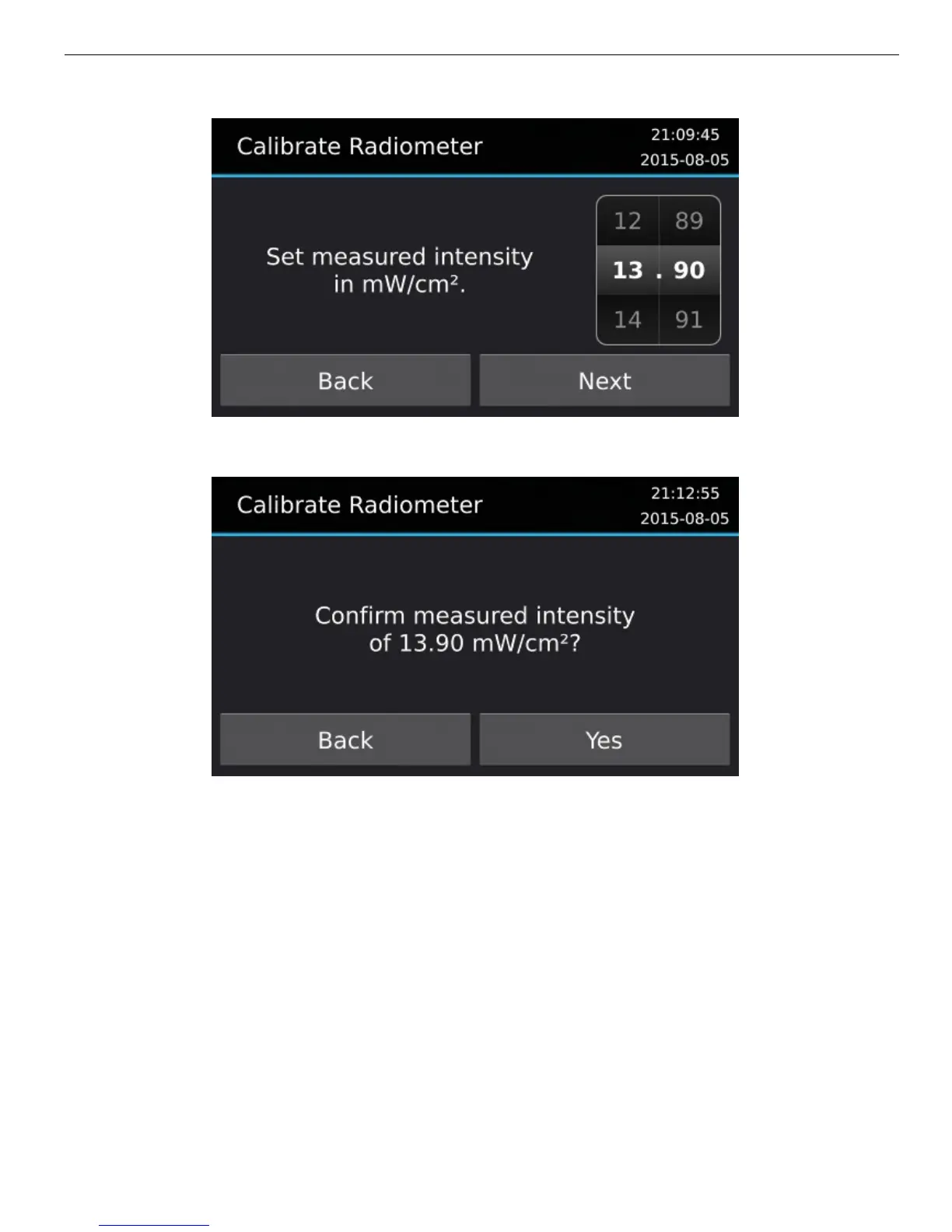
5. Press Confirm to complete the calibration.
Sensors
The MAX Sensors screen is reached in the menu Maintenance > Sensors. The Sensors
screen shows toggles for the Hood, Safety Tray and LED sensors.
When the hood sensor is activated, jobs will not build if the hood is open. This can be
disabled by deactivating the hood sensor.
Jobs will not build when the safety tray sensor is not present. This can be overridden by
disabling the Safety Tray sensor.
LED intensity is checked every build layer. The build will halt if the LED intensity drops
more than 50% below the starting intensity. This feature can be disabled by disabling the
LED sensor.


 To Next Page