Asiga MAX User Guide
Copyright ASIGA © 2017 VERSION 1.04
CHAPTER 7
Maintenance and Calibration
The Maintenance screen provides options for performing calibration and maintenance of
your MAX system.
Bottom Limit
Bottom Limit sets the lowest position of the vertical axis. This is set at the factory. There is
no need for users to set the bottom limit unless the memory card of your MAX has been
replaced. NOTE THAT INCORRECT SETTING OF THE BOTTOM LIMIT CAN RESULT IN
DAMAGE TO YOUR MACHINE. If you are required to set the bottom limit, do not
overshoot the maximum lower travel of the vertical stage. This will be characterised by the
stepper motor skipping steps which will make a clicking sound. If this happens, you must
home the vertical axis and start the procedure again.
Zero Position
Please refer to the section on Zero Position calibration in Chapter 2.
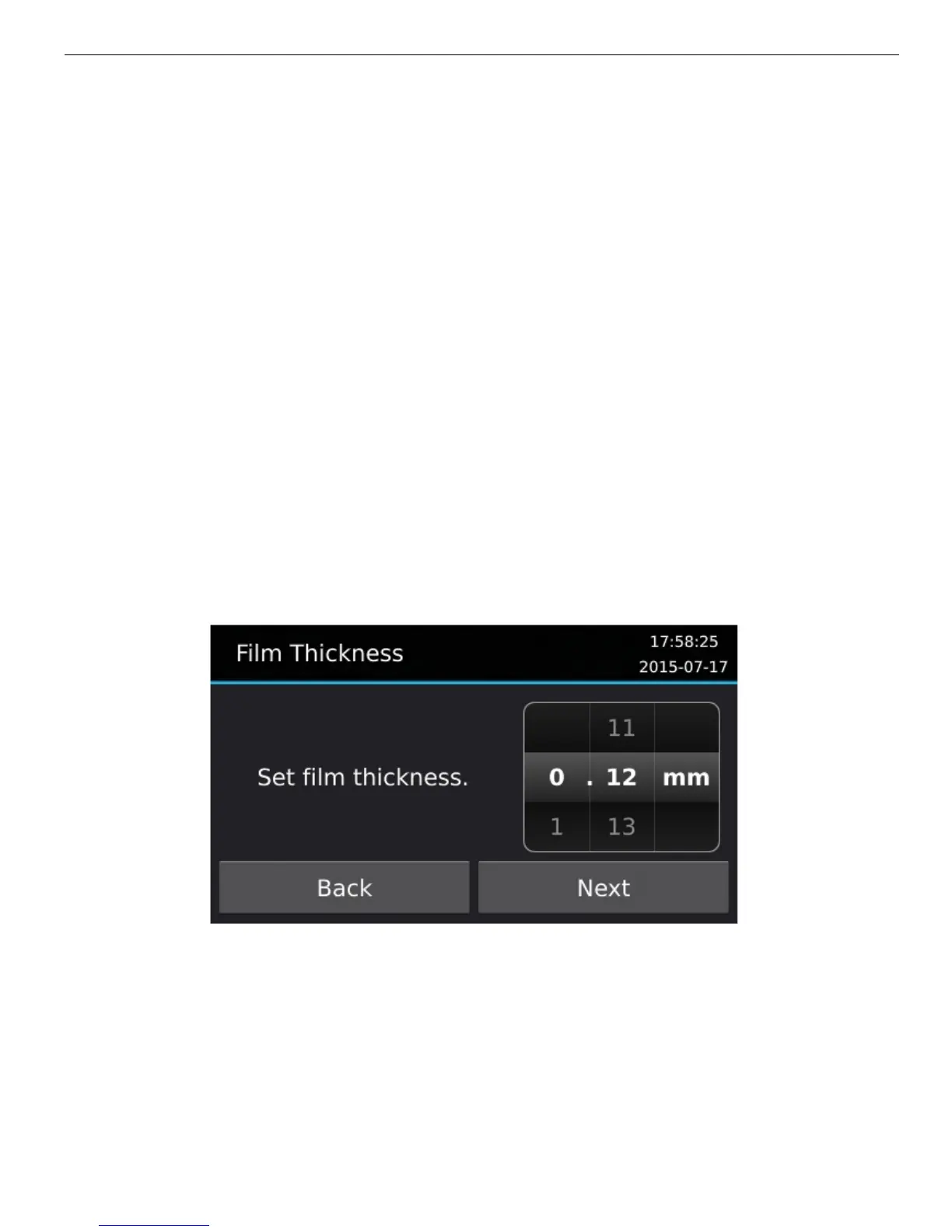
Film Thickness
The vat film thickness is normally 0.12mm. This value needs to be entered into the “Film
Thickness”.
Focus
To focus the MAX projection system:
1. Wear UV blocking safety goggles during this procedure.
2. Remove the vat from the machine.
3. Place the Focus Plate onto the window glass with the film facing downwards.
4. Select from the user interface MAINTENANCE > FOCUS
5. Press the “Start” button to show the focus grid.


 To Next Page