Asiga MAX User Guide
Copyright ASIGA © 2017 VERSION 1.04
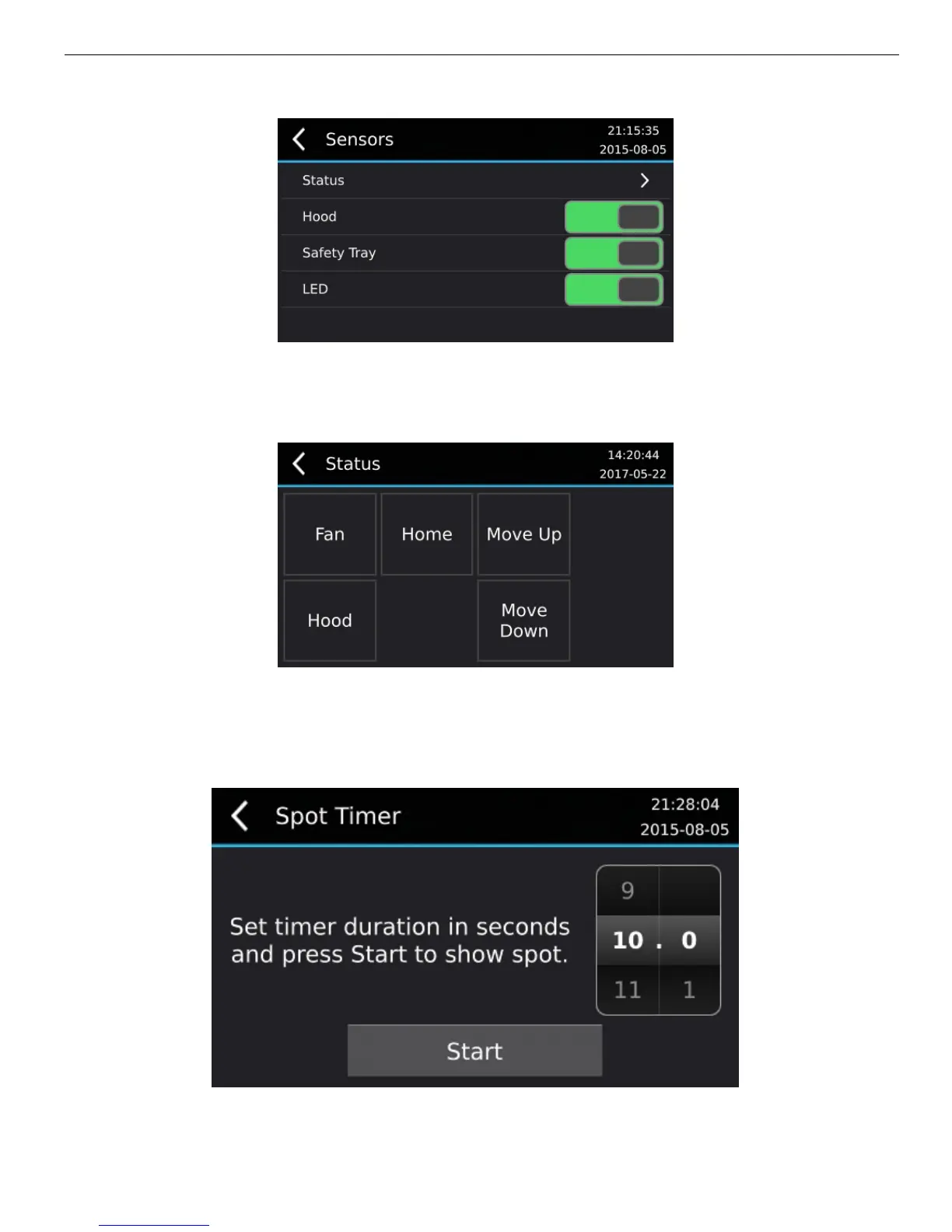
The sensor Status screen is accessed via Maintenance > Sensors > Status. This screen
shows a status block for every optical sensor in the MAX machine. When the sensor is
activated the block is drawn in blue. When the sensor is not active the block is drawn in
black.
Spot Timer
The Spot Timer menu item is accessed via Maintenance > Spot Timer. The Spot Timer is
used to display a spot image for a controlled time. The Spot Timer can be used for material
exposure testing.
Clear User Data


 To Next Page