Asiga MAX User Guide
Copyright ASIGA © 2017 VERSION 1.04
2. Install a clean build platform into the macine.
3. Remove the resin vat from the machine.
4. Place a coin flat in the centre of the glass window.
5. Press “Continue”.
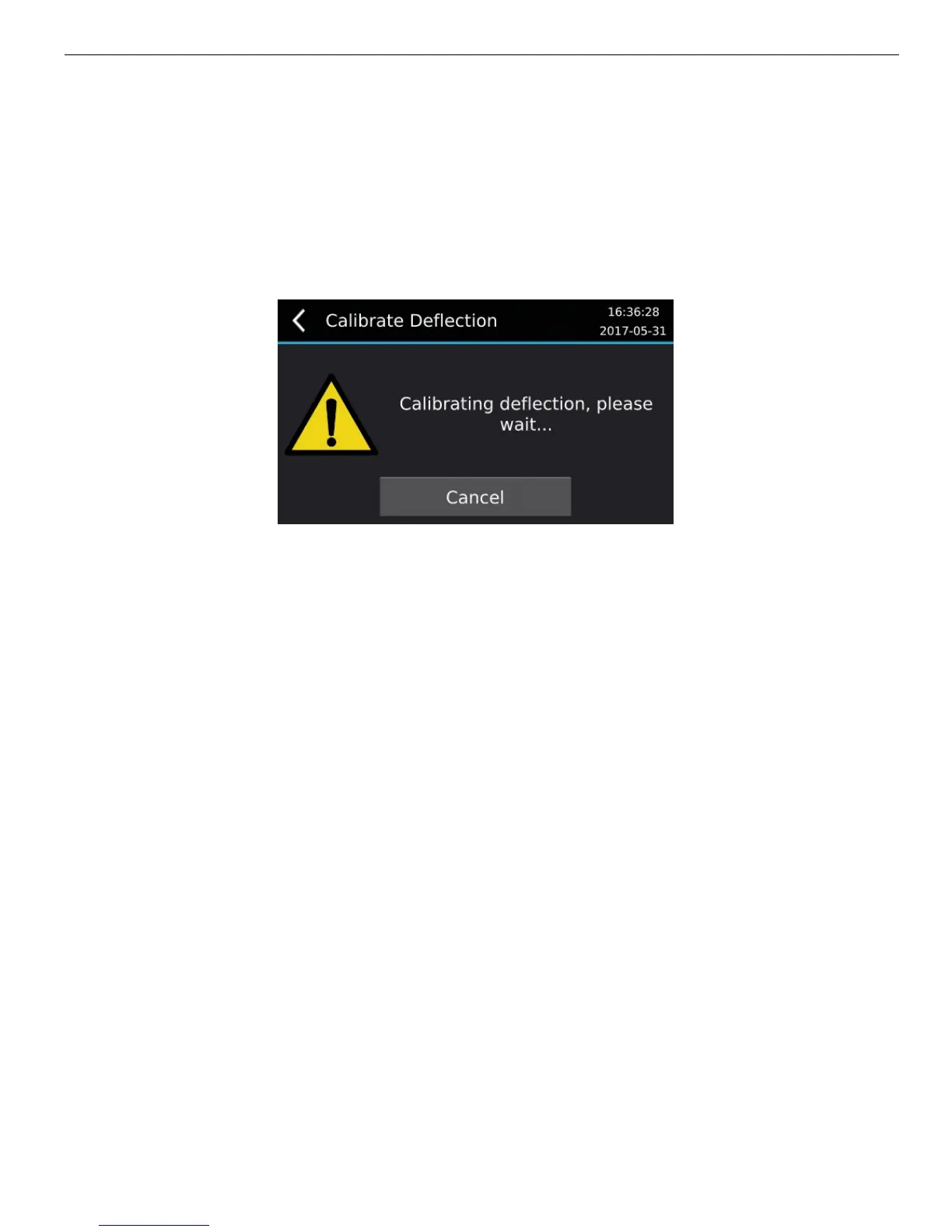
The build platform will lower down towards the coin and contact it while recording the
deflection.
6. The process can be cancelled at any time by pressing the “Cancel” button.
7. The process will end automatically when complete.


 To Previous Page