Servicemanual TD60
28
Shop programme TD60.3
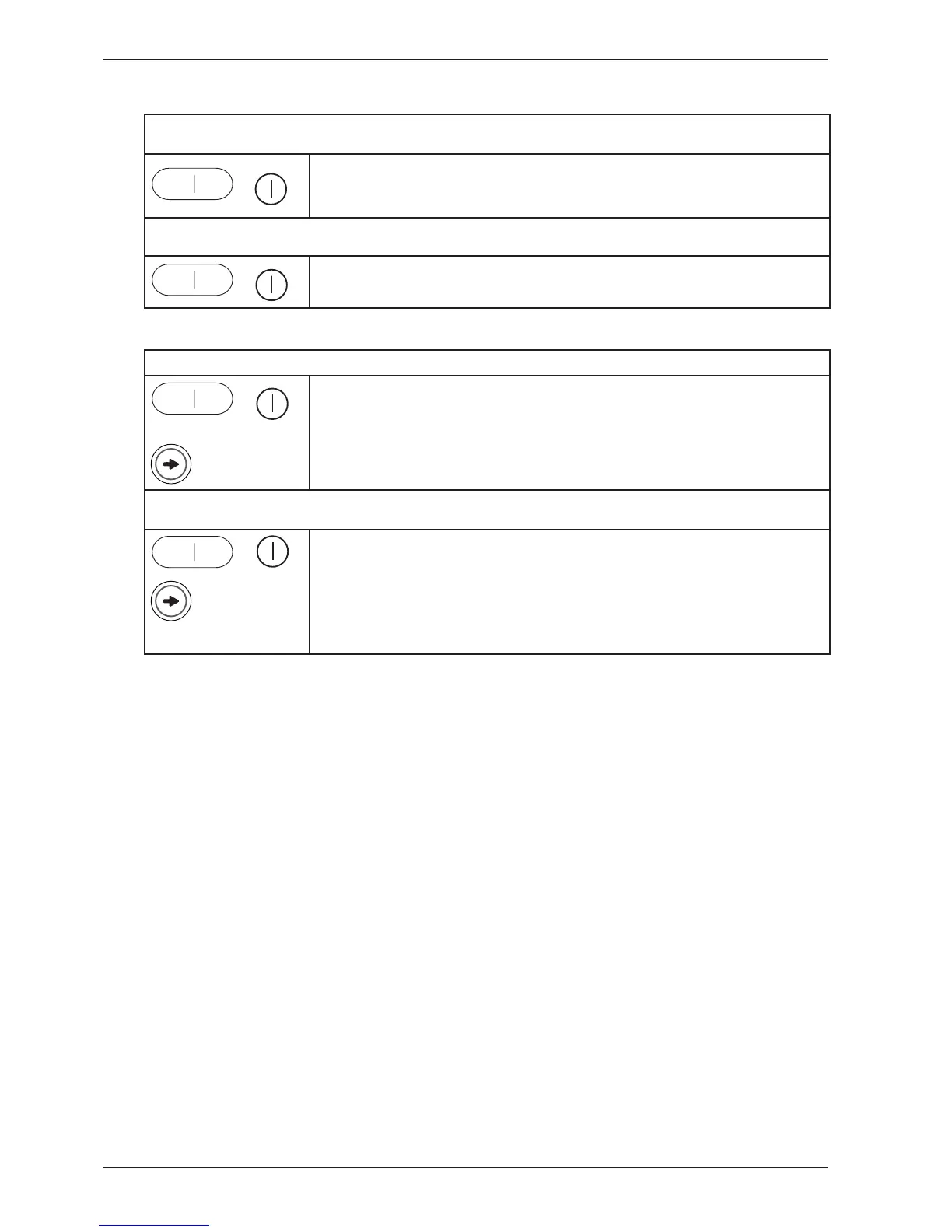
1. Activating the Shop programme (for machines manufactured up to week 736)
+
If the machine is on: First turn off the power at the main power switch.
Then press and hold the Start button while turning on the main power switch. At this point no settings
can be made. The centre display will activate after 3 minutes. Settings can now be made, but the machine
cannot be started.
2. Stopping the Shop programme (for machines manufactured up to week 736)
+
First turn off the power at the main power switch.
Then press and hold the Start button while turning on the main power switch. The Shop program is now
stopped.
1. Activating the Shop programme (for machines manufactured from week 737 on)
+
x5
If the machine is on: First turn off the power at the main power switch.
Then press and hold the Start button while turning on the main power switch.
Press the program selector 5 times At this point no settings can be made. The centre display will activate
after 3 minutes. Settings can now be made, but the machine cannot be started.
2. Stopping the Shop programme (for machines manufactured from week 737 on)
+
x5
First turn off the power at the main power switch.
Then press and hold the Start button while turning on the main power switch.
Press the program selector 5 times.
The Shop program is now stopped.
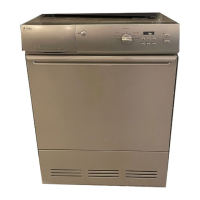
Store programme TD60.2 and TD60.1
There are no store programmes on the TD60.2 and TD60.1.



 To Next Page